

mSecure warns of suspicious activity and tells customers to replace saved passwords and passkeys
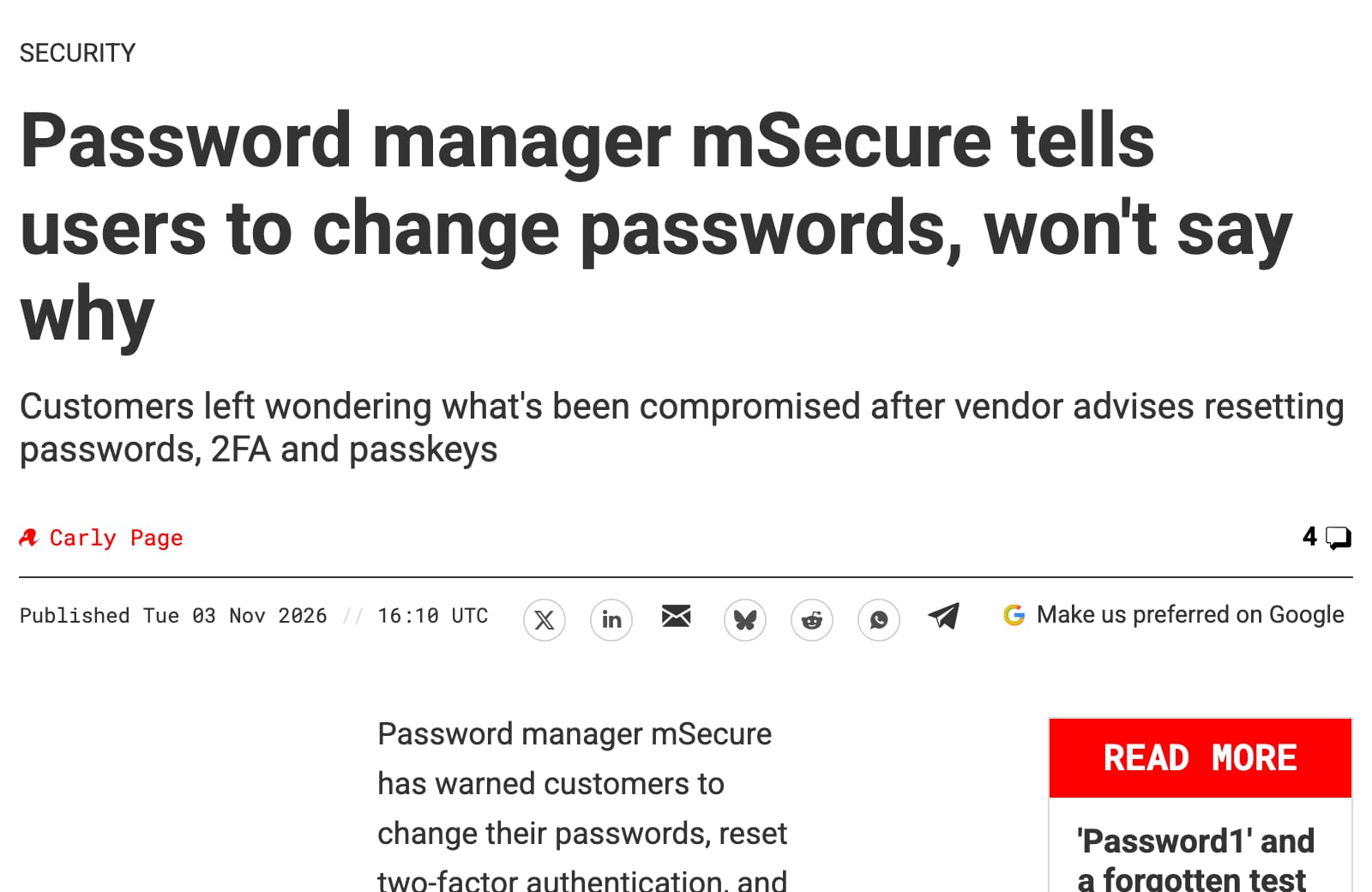
In a 3 November email, developer mSeven Software said it was investigating suspicious activity and had brought in outside cybersecurity experts. It recommended changing passwords, resetting or re-enrolling two-factor methods and removing passkeys. The notice does not say which systems were hit, whether data was stolen or how many people are affected. BleepingComputer reports that customers shared support replies saying an attacker stole an encrypted database from mSecure Cloud holding information on current and former users, that mSeven had no evidence the attacker reached the contents of the encrypted vaults, and that only people who synced their vaults with mSecure Cloud were affected. mSeven has not confirmed this publicly. mSecure says it encrypts vaults on your device before upload, but stolen encrypted vaults can be attacked offline, and a weak master password makes that easier.
The password manager’s developer has warned current and former customers to protect their saved secrets. Start with email and banking while the cause remains unexplained.
What happened
If your family keeps passwords in mSecure, start replacing the important ones through the websites and apps they belong to. On 3 November, its developer, mSeven Software, emailed customers about suspicious activity associated with the password manager. It recommended protecting confidential information saved inside it, potentially by changing passwords, resetting two-factor authentication and removing passkeys.
mSeven said it had begun investigating, taken steps to reduce the risk and brought in outside cybersecurity experts. It did not explain what happened or whether anyone accessed customers’ secrets, according to The Register, which read the email[1].
- HARD priority
- High Begin with email and financial accounts
- Notice sent
- 3 November 2026
- Recipients
- Current and former customers
- Exposure
- Not established in the notice
- Fixed version
- Not identified in the notice
Timeline
-
HARD publishes its article, at High.
What it said to do thenOpen each important account’s official app or website and replace the password and any sign-in methods saved in mSecure. Help parents work through theirs, and confirm a working alternative before removing a passkey. -
Update 1 · Update
BleepingComputer reports that customers shared support replies saying an attacker stole an encrypted database from mSecure Cloud holding information on current and former users, with no evidence the vaults' contents were reached, and that only people who synced with mSecure Cloud are affected. mSeven has not confirmed this publicly.[2]
What to do nowIf you synced mSecure to its cloud, change your mSecure master password to a long, unique one, then replace the passwords for your email, bank and other important accounts, starting with the ones you use most. Reset two-factor methods that were saved in it, and confirm a working alternative before removing a passkey. Help parents work through theirs.
Who is affected
The email reproduced on mSecure’s forum[3] addresses current and former customers. It does not identify affected app versions or say which ways of syncing saved information are involved. If you stopped using mSecure, include any passwords you saved there that are still in use in your review.
Why the other sign-in methods matter
There are two separate things to protect: access to mSecure itself, and access to the accounts whose details it stores. mSecure’s documentation[4] says version 7 can generate six-digit verification codes for other accounts and store passkeys. Those features are separate from two-factor authentication protecting your mSecure account.
Changing the password that opens mSecure does not replace the passwords for your email, bank or other services. mSecure’s general security guidance[5] says those changes must happen through each service’s own app or website.
What remains unanswered
The notice does not establish whether saved information was copied or readable, or whether it is safe to save replacement credentials in mSecure. Ask mSeven for that clarification. Its warning is enough reason to act cautiously, but it is not confirmation that your passwords or passkeys were stolen.
What to do this week
The steps below are from the article as first published, on 4 November 2026.
- Start with email, banking and work.Make a list of accounts saved in mSecure and work through the most consequential first. Include a parent’s accounts if you help manage them. Use each service’s official app or website and choose a different password for every account. Australian government guidance[6] recommends going directly to the service rather than following password-reset links in messages.
- Replace saved two-factor setups.If mSecure generates an account’s verification codes, use that service’s security settings to replace the authenticator setup. Follow its instructions and check the replacement works. Google’s guidance[7] explains that replacing potentially accessible authenticator codes can require visiting each site to remove the old setup and link a new one.
- Remove affected passkeys at the service.For passkeys saved in mSecure, establish another working sign-in method first, then remove the old passkey in the relevant account’s security settings. Also remove its saved copy. Google documents both places to check[8]; Microsoft warns users to add a replacement before removing a passkey[9].
- Avoid mSecure’s destructive account reset.If you can still open mSecure, do not use “Account Reset” as a shortcut. Its support guide[10] says that process permanently erases stored information. Changing the password within the app is a separate operation.
- Check account activity and arrange follow-up.Review unfamiliar sign-ins, recovery details and email-forwarding rules. Report anything suspicious to the account provider. Ask whoever manages the family’s technology to help track the replacements, decide where to keep them while questions remain, and check for a fuller mSeven update.
Related
Situations
- Telegram Android call flaw could help compromise a phone; fixed in version 12.10.4 Other, high, 6 Nov 2026
- OpenSSH update blocks a login bypass on some musl Linux servers; Alpine packages available Other, high, 6 Nov 2026
- Android's November update fixes a critical flaw that needs no tap; check your patch level Other, high, 7 Nov 2026
- Russian-linked hackers hit iPhones and Android phones through websites, but only phones missing updates Software flaw, high, 5 Nov 2026
- Every situation, in the Situation Room
References
- ^ The Register (). “Password manager mSecure tells users to change passwords, won't say why”. Reports the customer email, investigation, recommended precautions and unanswered questions.
- ^ BleepingComputer (). “mSecure password manager hack prompts password reset warnings”.
- ^ Customer post on mSecure Support. “Is the email from msecure about Important Security Notice real or is this a phishing mail”. Reproduces the notice addressing current and former customers; this is a customer post, not a company advisory.
- ^ mSecure. “Two-Factor Authentication”. Distinguishes mSecure account protection from version 7’s saved passkeys and verification-code generation.
- ^ mSecure. “Sign-In was not Authorized”. General guidance says changing mSecure’s password does not replace passwords at the services it stores.
- ^ Australian Government — cyber.gov.au (). “Recover from email and online account compromise”. Supports direct account access, unique passwords, and reviewing sign-ins, recovery settings and forwarding rules.
- ^ Google. “Get verification codes with Google Authenticator”. Explains removing authenticator setups at individual services and linking a replacement.
- ^ Google. “Sign in with a passkey instead of a password”. Documents removal from Google Account settings and checking third-party credential managers.
- ^ Microsoft. “Manage your saved passkeys”. Documents account-level passkey management and adding replacement sign-in information before removal.
- ^ mSecure. “Account Reset”. Warns that account reset permanently erases stored information and differs from an in-app password change.
Situation Room articles are updated as events develop: updates are added to the timeline, and never edited away. Follow them by email or RSS.