

Synology storage devices hit by ransomware; DSM updates available
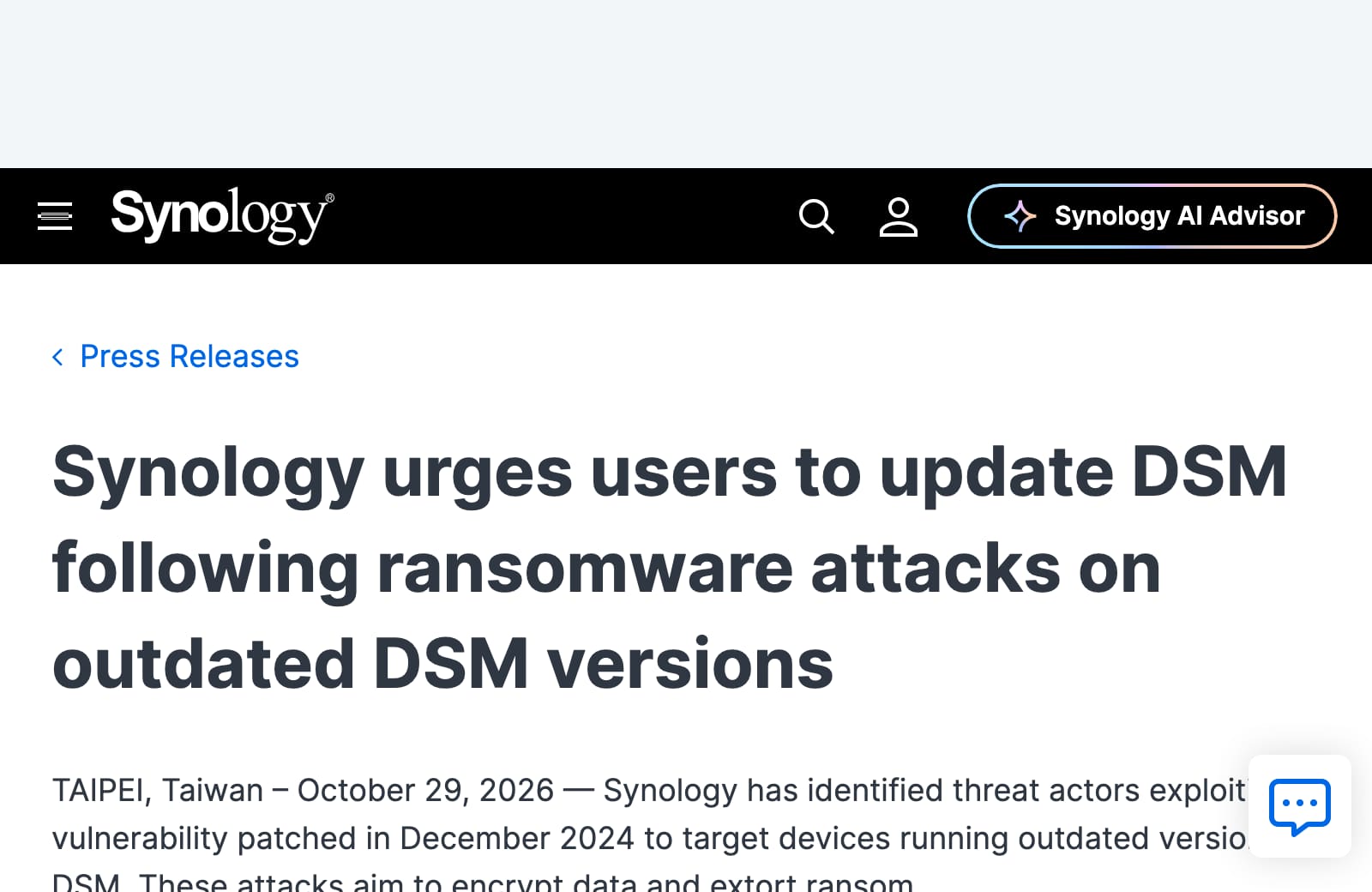
Synology says attackers are exploiting a flaw patched in December 2024 to encrypt files and demand ransom. Separate research identifies two flaws patched in September 2026, so meeting the older patch levels alone is insufficient. Reports identify the ransomware as C3RB3R.
Synology is warning owners that attackers are locking files on devices running outdated software. Update the storage box, restrict remote access and check the backup you would recover from.
What happened
If your family or business uses a Synology storage box, check its software today. In a warning issued on 29 October[1], Synology said attackers were exploiting an already patched flaw in DiskStation Manager, or DSM, to encrypt data and demand ransom.
BleepingComputer reported[2] that affected owners were finding files locked by C3RB3R ransomware, with demands for thousands of dollars. Synology's notice does not give a victim count or name the precise flaw. Separate research points to newer vulnerabilities, which makes the choice of update important.
- Severity
- Critical Both flaws score 9.8 out of 10
- DSM 7.4
- 7.4-90075 or later
- DSM 7.3
- 7.3.2-86009-4 or later
- DSM 7.2.2
- 7.2.2-72806-9 or later
- DSM 7.2.1
- 7.2.1-69057-12 or later
Timeline
-
HARD publishes its article, at High.
Who is affected
The warning concerns Synology network storage devices running vulnerable DSM versions. If yours holds family photographs, business records or computer backups, check it even if someone else set it up. Ask that person for the model, installed DSM version and confirmation that its security updates have been installed.
Older equipment needs particular attention. Synology ended regular support for DSM 6.2 on 1 October 2024[4], and some models cannot move beyond it. If your device cannot run supported software, plan to replace it rather than relying indefinitely on an old security patch.
Which updates matter
Synology's warning points to its November 2024 advisory[5]. That covers three flaws: CVE-2024-10441, which can let an attacker run code on the device; CVE-2024-50629, which can expose limited files; and CVE-2024-10445, which can allow limited file changes. Synology has not specified which one it observed being exploited.
The minimum fixes listed there are DSM 7.2.2-72806-1, 7.2.1-69057-6, 7.2-64570-4, 7.1.1-42962-7 and 6.2.4-25556-8, depending on your DSM branch. Those numbers address the older advisory.
However, in research published on 29 October[6], security company Qihoo 360 said the cases it investigated used CVE-2026-13639 and CVE-2026-13684. Synology patched those on 18 September 2026; the minimum versions appear in the box above. The Hacker News reports both accounts[7]. The sources do not establish whether they describe the same incidents. Our recommendation is to install the latest applicable release, covering both sets of fixes.
What to do today
- Update the storage box.In DSM, open Control Panel, then Update & Restore, then DSM Update. Check the installed version after updating and enable automatic installation of important updates. If you need help, ask your technician to check the model against Synology's available downloads. Synology's user guide explains the update controls[8].
- Remove public access to its management page.Ask your technician to remove unnecessary router port forwarding and restrict remote administration. Qihoo 360 recommends avoiding direct internet exposure of the management interface.
- Check a separate backup.Keep an offline copy of important files, disconnected from the Synology device between backups. Test that you can restore files. A backup that attackers can reach may be encrypted too.
- If files are already locked, disconnect and get help.Disconnect the device from the network and pause connected synchronisation and backup jobs. Preserve ransom notes and logs; avoid resetting or formatting it. Contact your IT support or an incident response specialist. HKCERT warns[9] that updating will not decrypt affected files and paying does not guarantee recovery.
Related
Situations
- Plex Media Server under attack: update to 1.43.3.10861 or newer now Software flaw, critical, 28 Oct 2026
- Russian-linked hackers hit iPhones and Android phones through websites, but only phones missing updates Software flaw, high, 5 Nov 2026
- SonicWall SSL-VPN flaw CVE-2026-19868 gets past two-factor login and is being exploited Software flaw, high, 7 Nov 2026
- Apple brings its fix for an exploited flaw to the iPhone XS, XS Max, XR and seventh-generation iPad Software flaw, high, 4 Nov 2026
- Every situation, in the Situation Room
Flaws
- CVE-2026-13639 Not on CISA’s list of flaws being used in attacks. Look it up in Search.
- CVE-2026-13684 Not on CISA’s list of flaws being used in attacks. Look it up in Search.
- CVE-2024-10441 Not on CISA’s list of flaws being used in attacks. Look it up in Search.
- CVE-2024-50629 Not on CISA’s list of flaws being used in attacks. Look it up in Search.
- CVE-2024-10445 Not on CISA’s list of flaws being used in attacks. Look it up in Search.
References
- ^ Synology (). “Synology urges users to update DSM following ransomware attacks on outdated DSM versions”. Confirms ransomware attacks exploiting a flaw patched in December 2024; urges immediate and automatic DSM updates.
- ^ BleepingComputer (). “Synology warns of C3RB3R ransomware attacks targeting NAS devices”. Reports C3RB3R infections and ransom demands; 3 November update records Synology referring enquiries to its older advisory.
- ^ Synology (). “Synology-SA-26:13 DSM”. Confirms the newer critical vulnerabilities, their scores and four fixed DSM versions.
- ^ Synology (). “End-of-Life Announcement for DSM 6.2”. Sets the DSM 6.2 support end date and identifies models limited to that version.
- ^ Synology (). “Synology-SA-24:20 DSM (PWN2OWN 2024)”. Lists the three older vulnerabilities and five DSM patch thresholds; page last updated 28 March 2025.
- ^ Qihoo 360 (). “Cerber ransomware attack warning for Synology NAS devices”. Chinese-language primary research attributes investigated attacks to two September 2026 flaws and recommends restricted access and offline backups.
- ^ The Hacker News (). “Synology NAS Devices Targeted in Ransomware Attacks Exploiting Patched DSM Flaw”. Reports both Synology's older-flaw warning and Qihoo 360's attribution to September 2026 vulnerabilities.
- ^ Synology. “Synology NAS User's Guide — Based on DSM 7.1”. Documents the DSM update menu, manual downloads and automatic update settings.
- ^ HKCERT (). “Ransomware Alert — Ransomware Attacks Targeting Synology NAS Devices”. Provides prevention, isolation, evidence preservation and recovery advice; explains that updates do not decrypt files.
Situation Room articles are updated as events develop: updates are added to the timeline, and never edited away. Follow them by email or RSS.