

A stolen iPhone exposed his bank accounts
Stolen iPhone leads to reported US$14,000 loss and access to bank and crypto accounts
CoinDesk says Magnus Ahmad’s bank and crypto accounts were accessed after strangers took his unlocked iPhone. His MacBook became unusable, but the cause is unconfirmed.
What to do this week
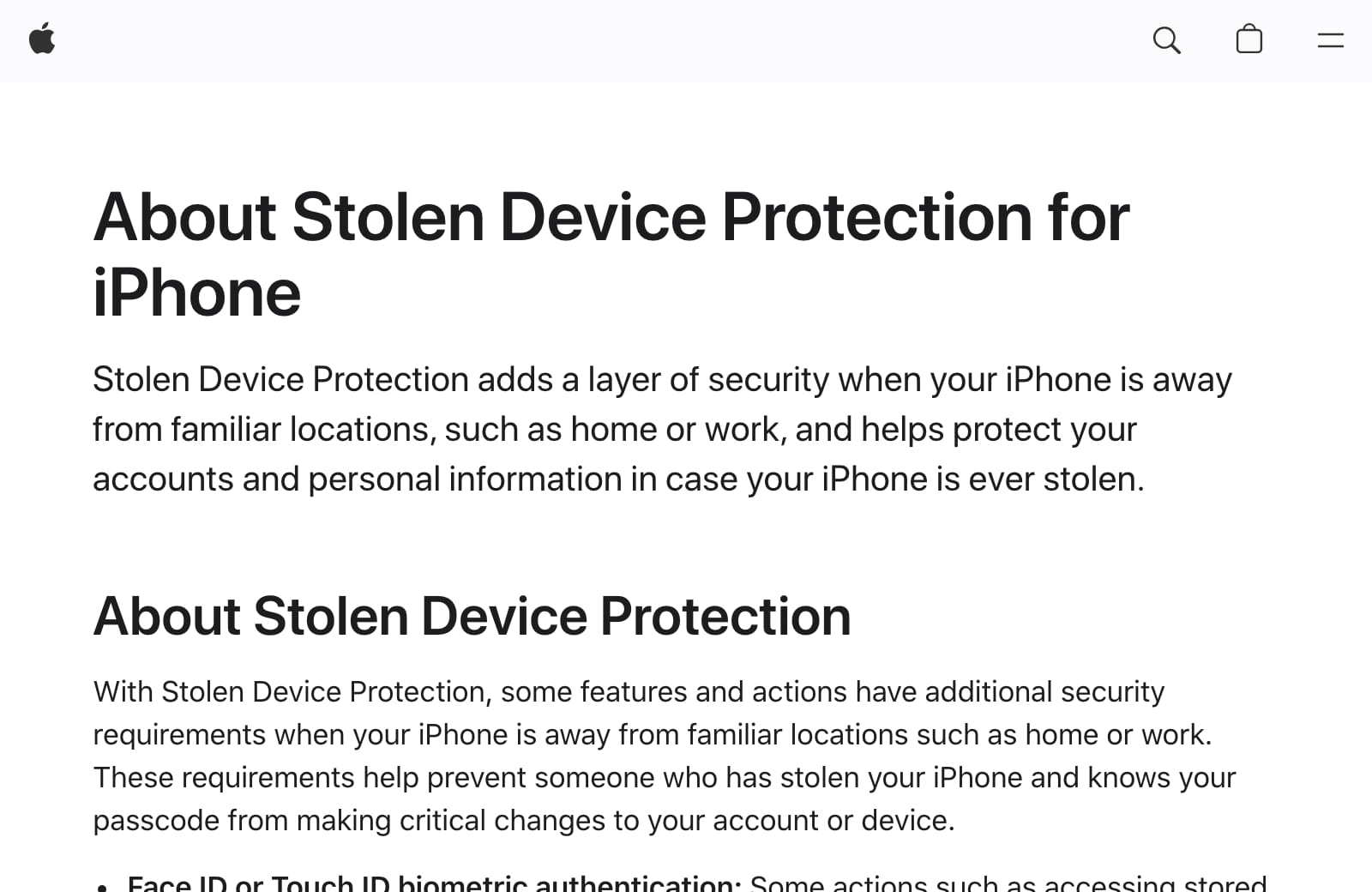
- Enable the extra protection.Open Settings → Face ID & Passcode, or Touch ID & Passcode → Stolen Device Protection. Turn it on, then choose Always under Require Security Delay. Apple’s setup guide[6] lists the prerequisites, including Find My.
- Lock sensitive apps individually.On iOS 18 or later, hold an app’s Home Screen icon and choose Require Face ID or Touch ID where available. Start with email, banking and crypto apps. App locking alone accepts the passcode; combining it with Stolen Device Protection[5] removes that fallback when its safeguards apply.
- Keep your passcode private.Use Face ID in public where possible, shield any passcode entry and keep the phone in your hands when exchanging contact details. Police advise against handing it to someone you have just met[4].
- Review how you hold crypto.MetaMask recommends[7] considering a hardware wallet for substantial holdings. Keep recovery phrases securely offline and never share them, including with anyone claiming to be support.
- Practise finding the phone from another device.Know how to sign in at icloud.com/find. If a phone is stolen, select it and choose Mark as Lost immediately. No verification code is needed; if prompted, choose Find Devices. Lost Mode locks the phone and suspends Apple Pay cards[8], but needs the phone online. Find My must already be enabled.
- Secure accounts immediately after a theft.Contact banks and trading providers to freeze affected access, ask your mobile provider to suspend service, and report the theft to police. Change exposed passwords and end other account sessions from a trusted device. Follow the police response checklist[4]; do not wait for unusual transactions.
- Leave recovery of the handset to police.Apple warns against retrieving it yourself[9]. Keep it in Find My, even after a remote erase, to retain Activation Lock. Apple will not contact you to announce it has been found. Never give an unsolicited caller your passcode or verification codes.
What happened
If your iPhone carries your banking and crypto apps, check what someone could reach after stealing it. Magnus Ahmad handed his unlocked iPhone to a stranger outside a London bar on 8 August. It was stolen, and he estimates losses of about US$14,000, according to CoinDesk’s report[1].
Ahmad believes his passcode was observed. His MacBook also became unusable, but the cause is unconfirmed. The report does not establish his iOS version or theft-protection settings.
- HARD priority
- High Review financial and email access
- Stolen Device Protection
- Introduced in iOS 17.3
- Protection in all locations
- Added in iOS 17.4
- Individual app locking
- Introduced in iOS 18
The full story2 more sections
Who is affected
Review these settings if you carry banking, trading or crypto apps, or help a parent manage theirs. The Metropolitan Police warn[4] that thieves can target accounts and personal data. They recommend considering whether sensitive apps belong on a device you routinely carry.
Email belongs in that review too. Apple says locking Mail[5] helps protect information such as banking verification codes.
What Apple’s settings can protect
Stolen Device Protection adds checks for sensitive actions. Changing an Apple Account password can require Face ID or Touch ID, an hour’s wait, then another biometric check. Apple documents that sequence in its release notes[2].
By default, the extra safeguards apply away from familiar places. Choose Always to extend them everywhere. They include requiring biometrics for passwords saved by Apple without accepting the phone passcode instead. There are limits: Apple says Apple Pay purchases can still use the passcode[6].
Timeline
-
HARD publishes its article, at High.
After the news
- Is this a scam? check a message, and every scam going round
References9
- ^ CoinDesk (). “London iPhone theft and financial losses”. Victim’s account and estimated losses.
- ^ Apple (). “About iOS 17 Updates”. Feature introduction in 17.3, all-location option in 17.4 and authentication sequence.
- ^ Apple. “About iOS 18 Updates”. iOS 18 introduced individual app locking.
- ^ Metropolitan Police. “Protect your mobile phone”. Account exposure, prevention and financial-account response.
- ^ Apple (). “Use locked apps with Stolen Device Protection”. App locking instructions, passcode fallback and email protection.
- ^ Apple (). “About Stolen Device Protection for iPhone”. Settings, location rules, prerequisites and Apple Pay limitation.
- ^ MetaMask. “How to secure your Secret Recovery Phrase and password”. Offline recovery-phrase storage and hardware-wallet recommendation.
- ^ Apple (). “How to find your lost iPhone or iPad”. Lost Mode, connectivity and access without a verification code.
- ^ Apple (). “If your iPhone or iPad has been stolen”. Police and carrier reporting, Activation Lock and follow-up scams.
Situation Room articles are updated as events develop: updates are added to the timeline, and never edited away. Follow them by email or RSS.