
Version 1.0.0Newest
- The first version of the HARD extension.
- Stops lookalike and phishing sites, copied sign-in pages and rushed payments.
- For Chrome and Brave
abcc76a0 0faca38c 4e55204d fd84b45e adcf40d5 74b8d918 5a761865 687500e4

The browser extension for Chrome
The HARD extension stops lookalike and phishing sites before they load, catches your password on the wrong site, pauses big payments and checks every extension you install. It all runs in your browser.
HARD for Chrome and BraveVersion 1.0.0, released 6 November 2026
cjombajfggahaccmdjmlfhcbibpnlchoCheck yours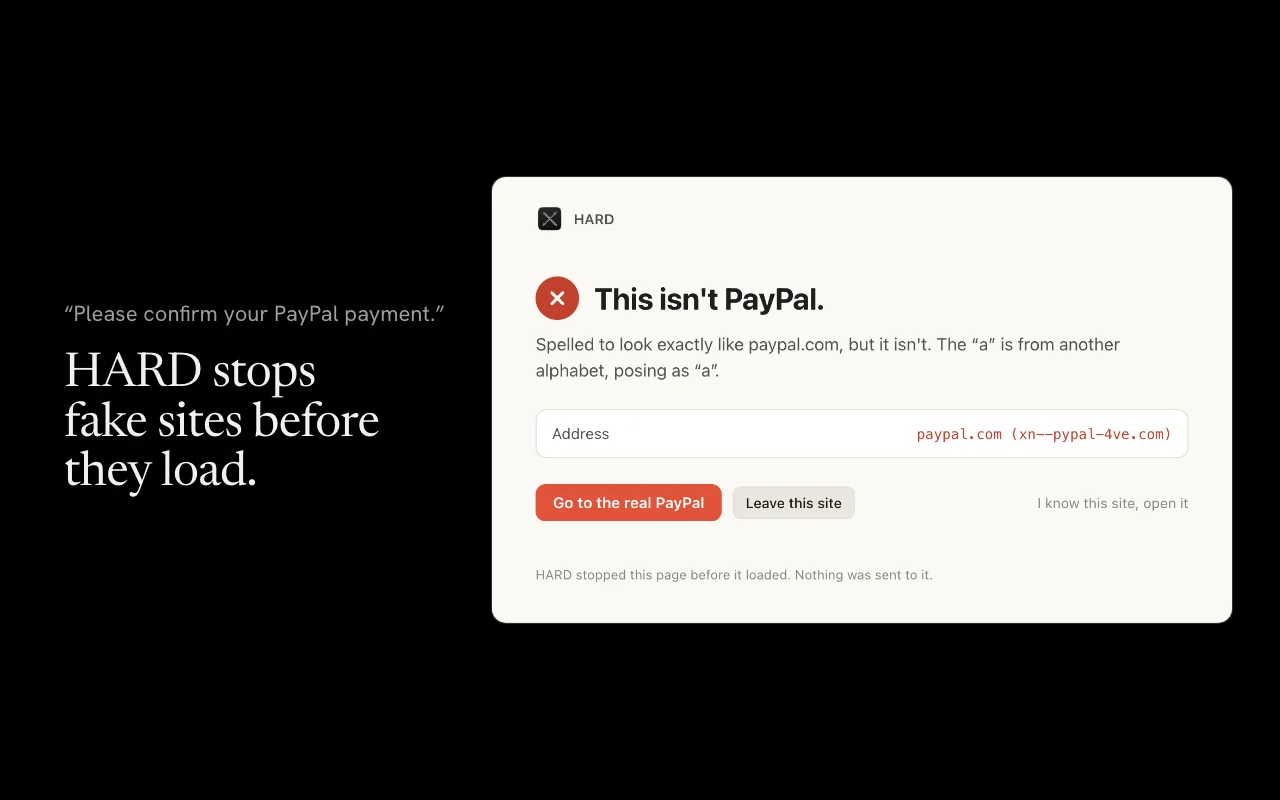
Addresses that imitate a real one, like a letter from another alphabet or a bank’s name on someone else’s domain. Sites on a public list of reported phishing, refreshed every 12 hours. And suspicious addresses registered in the last few weeks.
What it stopsA Google, Microsoft or Apple sign-in form on a site those companies don’t own is stopped, even when the address looks fine.
How HARD spots a copyHARD keeps a salted one-way hash of the passwords it watches, never the password. Type one into any other site and it clears the field and stops the form.
Your passwordsOn banks, payment apps and crypto exchanges, a big payment, a new payee or a crypto address waits while HARD asks the questions scammers hope you won’t. If AnyDesk, TeamViewer or Quick Assist is open beside your bank, HARD says so.
The payment pauseKnown-malicious extensions, ones installed from outside the store, and ones that can read your cookies or control your browser.
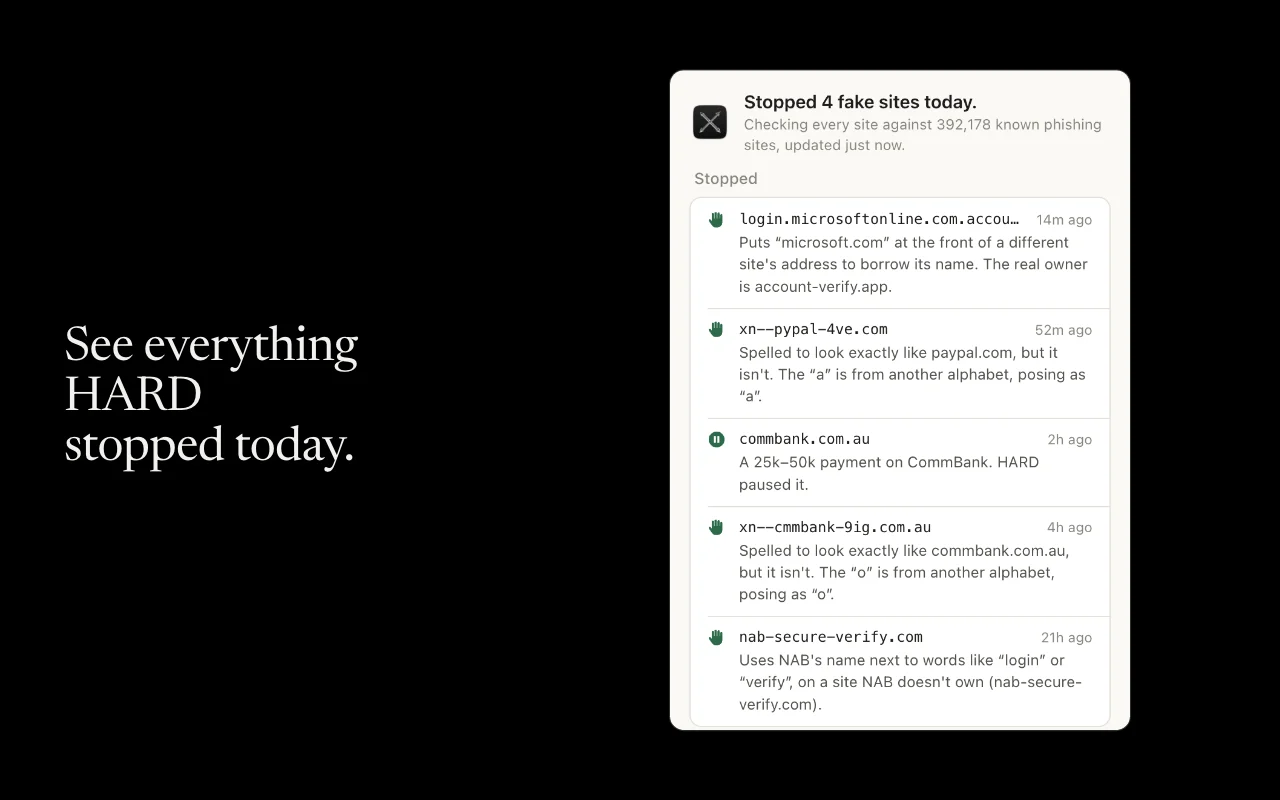
The panelThe extension tells HARD for Mac what it stopped, so your protection is in one place. It sends the site’s name and what HARD did, never what you typed or the page.
With HARD for Mac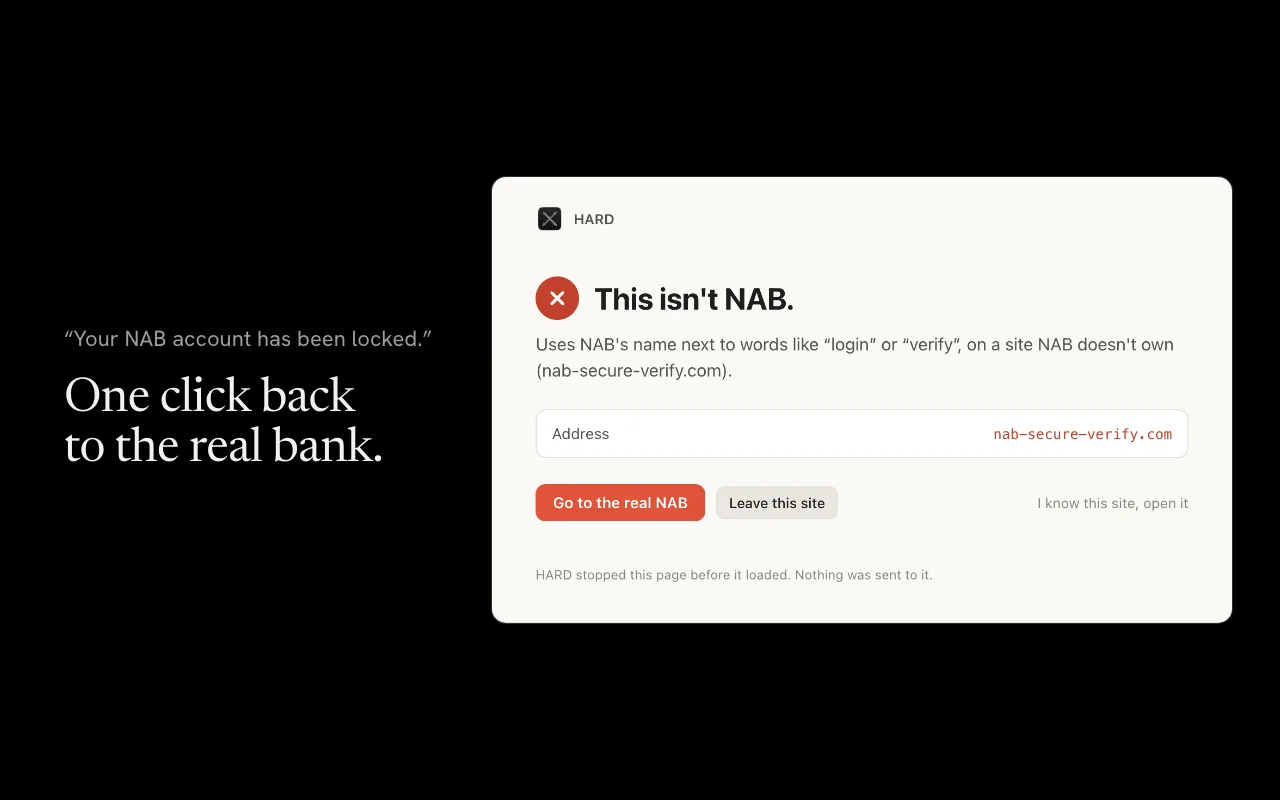
The extension guide covers the panel, the payment pause and every setting.
Scammers copy security extensions. A real copy of HARD comes from the Chrome Web Store, published by Flindev, and its ID is always the same. You don’t have to take our word for it.
Open this address in your browser, and press Details under HARD:
chrome://extensionsThe address bar now ends in the extension’s ID. A real copy’s ID is cjombajfggahaccmdjmlfhcbibpnlcho. In Brave it’s brave://extensions, and the ID is the same.
Check the version there against every version we’ve released.
If the ID doesn’t match, or it came from anywhere but the store, remove it and tell us where it came from. HARD never sends the extension by email or message, only a link to this page.
Press Add to Chrome on HARD’s store page, then pin it to the toolbar, from the puzzle piece, so its panel is one click away. Your browser keeps it up to date.
Brave, Vivaldi and Arc install it from the same store page. Opera needs its Install Chrome Extensions add-on first, and Edge needs one switch turned on. Firefox and Safari are coming. If you have HARD for Mac, open it once and the extension’s warnings show up there too.
The store keeps the extension up to date, so these are for checking the version you have.
abcc76a0 0faca38c 4e55204d fd84b45e adcf40d5 74b8d918 5a761865 687500e4Every version of the extension, with each one’s notes and the zip’s fingerprint.