

ArcticRAT turns stolen texts into a financial profile
ArcticRAT controls infected Android phones and uses AI to analyse stolen financial information
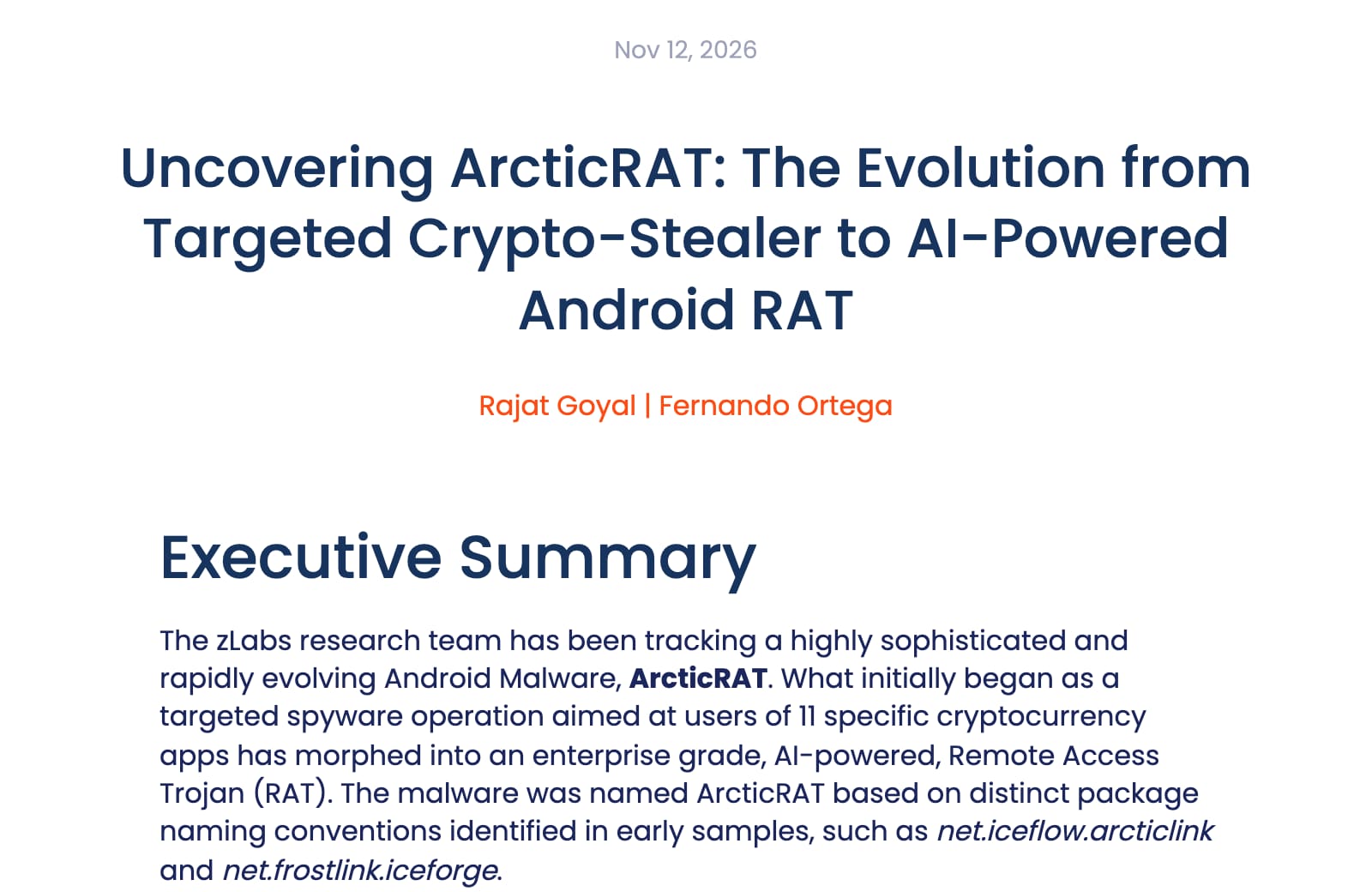
Zimperium reports that ArcticRAT began as spyware aimed at users of 11 cryptocurrency apps and now allows remote phone control. Its operators use AI to sort stolen information for financial value; the number of infected phones is not disclosed.
What to do
- Open Google Play yourself.Search for the app there instead of following a download link in a message or advertisement. Help parents you look after do the same. Google recommends checking an unfamiliar app through the company's official website or a trusted app store.
- Keep Play Protect enabled.Open Google Play, tap your profile, then Play Protect and its settings. Keep Scan apps with Play Protect on. Google says it checks apps from other sources too[5]; this is general protection, not confirmation that a particular phone is clean.
- If infection is suspected, protect accounts elsewhere.Disconnect Wi-Fi and mobile data. From another trusted device, contact your bank, review transactions and change passwords for accounts that may be exposed, including email. The malware can also show a fake lock screen to capture the phone's PIN or pattern, so change that too once the phone is clean. Tell the bank you suspect malware on your phone.
- Get the phone cleaned before using it for sensitive tasks.Google recommends removing untrusted apps and installing Android and security updates[6]. If signs persist, it advises a reset or help from the manufacturer. If you cannot safely operate the phone, seek professional help; Westpac recommends leaving it switched off while awaiting cleaning.
What happened
If you think a malicious app has taken over your Android phone, use another device to protect your money. Disconnect the suspect phone and contact your bank. Westpac's malware checklist[1] recommends changing passwords from a different device and reporting suspicious transactions immediately.
That advice matters for ArcticRAT. In research published on 12 November, Zimperium describes Android malware[2] that began as spyware aimed at users of 11 cryptocurrency apps and has grown into a tool for controlling phones.
- HARD assessment
- High for an infected phone
- Delivery
- Malicious apps promoted through fake Google Play pages
- Scale
- Victim count not disclosed
- Android update
- Not a flaw in Android: it spreads through apps people are tricked into installing
The full story2 more sections
Who is affected
The reported route involves installing a malicious Android app. Ads, scam texts and forums lead people to fake download pages. ArcticRAT then abuses accessibility access to control the phone. Zimperium's analysis, as reported by Dark Reading[3], describes a black overlay with screen brightness set to zero, which hides the attackers' activity and can make the phone look locked or switched off.
Accessibility access deserves care. Google explains[4] that it lets an app read the screen and operate other apps on your behalf. Legitimate disability support apps may need it. An unfamiliar download asking you to override a restriction deserves a pause and a check.
What the AI adds
Zimperium observed ArcticRAT calling xAI's Grok, with prompts that ask it to pick out financial apps and to pull login codes, balance changes and transfer notices from text messages. Another prompt asks the model to estimate the owner's financial position. The researchers do not establish how accurate those estimates are. The analysis describes processing information already collected from the phone.[2]
Timeline
-
HARD publishes its article, at High.
References6
- ^ Westpac. “Malware checklist”. Supports disconnecting a suspect phone, contacting the bank and changing passwords from another device.
- ^ Zimperium (). “Uncovering ArcticRAT: The Evolution from Targeted Crypto-Stealer to AI-Powered Android RAT”. Primary research on distribution, phone control and AI financial analysis; provides no victim total or fixed Android release.
- ^ Dark Reading (). “ArcticRAT Cybercrime Gang Profiles Victim Finances With AI”. Reports Zimperium's findings and researcher comments about concealed phone control.
- ^ Google. “Learn about restricted settings”. Explains accessibility access, restricted settings and checking unfamiliar apps.
- ^ Google. “Use Google Play Protect to help keep your apps safe & your data private”. Establishes Play Protect settings and checks of apps installed outside Google Play.
- ^ Google. “Remove malware or unsafe software”. Recommends removing untrusted apps, updating Android and seeking reset or manufacturer help if symptoms persist.
Situation Room articles are updated as events develop: updates are added to the timeline, and never edited away. Follow them by email or RSS.