

Chrome and Firefox patch serious security flaws
Chrome and Firefox updates fix serious flaws, including four Critical Chrome bugs
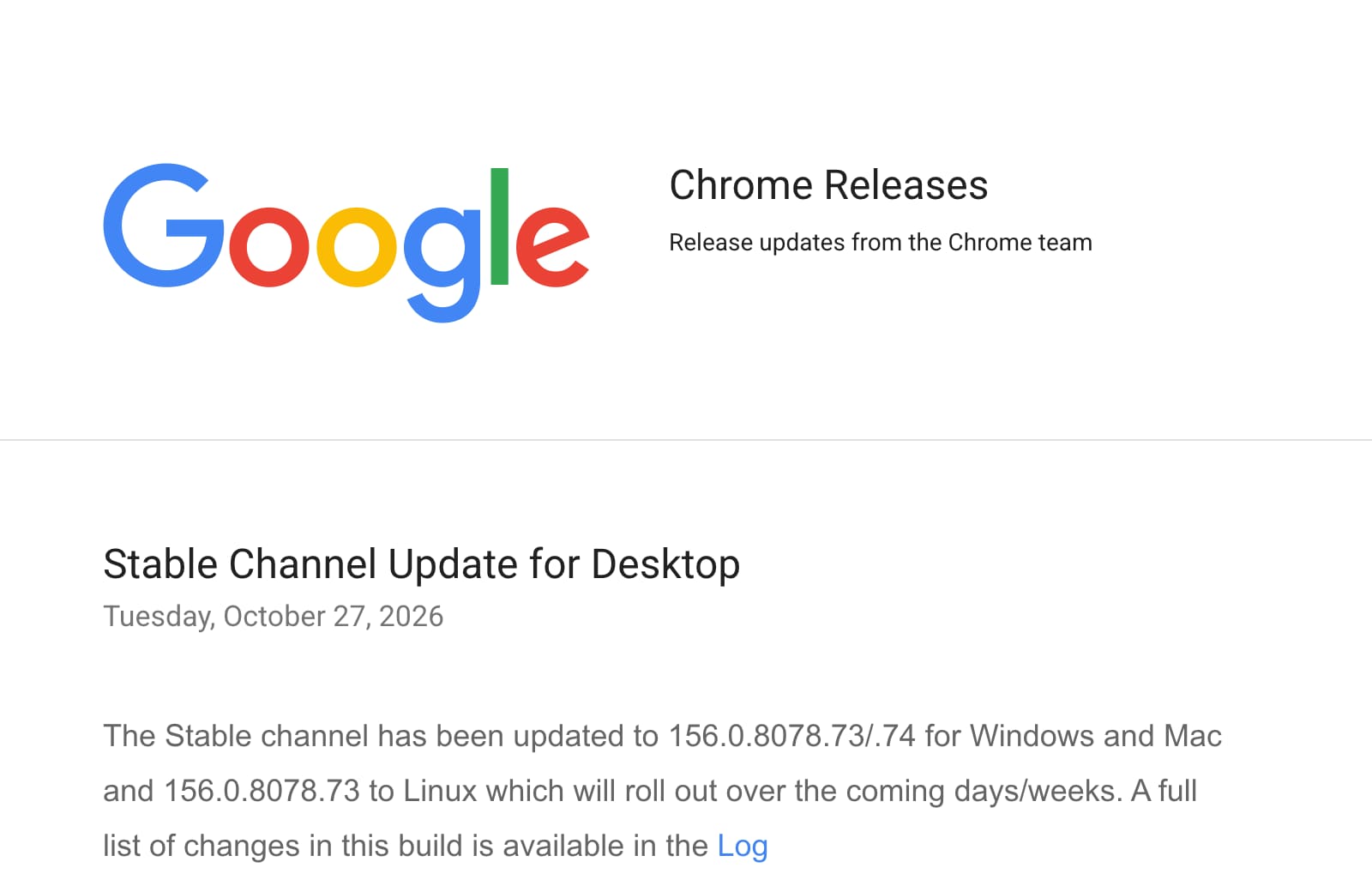
Google’s desktop Chrome update fixes 52 security issues, including four rated Critical; Mozilla rates its Firefox 159 advisory High. Fixed Chrome builds are 156.0.8078.73/.74 for Windows and Mac, and 156.0.8078.73 for Linux and Android. Neither vendor’s notice reports active exploitation.
What to do
- Update Chrome on your computer.Open the three-dot menu, then Help and About Google Chrome. Let it check for updates, then select Relaunch when offered. On Linux, use your system’s software updater. Google’s instructions[8] explain how to check the version.
- Update Firefox and restart it.Open Help, then About Firefox; on a Mac, use Firefox, then About Firefox. After the download, choose Restart to update Firefox. If you installed it through the Microsoft Store or your Linux system’s software manager, update it there. Mozilla’s instructions[9] cover those differences.
- Check Chrome on Android.Open Google Play, tap your profile, then Manage apps and device. Find Chrome under available updates and tap Update. Google provides the Android steps[10].
- Confirm the result, including for parents.Reopen the browser’s About screen and compare its version with the table. If it remains older, ask your support person or IT team to resolve it. For Firefox ESR, check the matching ESR version.
- Ignore update downloads offered by webpages.Open the browser’s own update controls or its app store yourself. Mozilla warns that fake Firefox update pages and adverts[11] can trick people into installing malware.
What happened
If Chrome or Firefox is the browser you use for banking, work or the school portal, update it today. On 27 October, Google released 52 desktop Chrome security fixes[1], including four rated Critical. Mozilla released Firefox 159[2] with an advisory rated High.
Malwarebytes reports 167 vulnerabilities fixed in Firefox[3]. Mozilla says it now lists internally discovered memory-safety bugs individually instead of grouping them under one vulnerability number. That change matters when comparing the size of this update with older releases.
The full story2 more sections
Why these fixes matter
Hong Kong’s government security team says the Chrome flaws could allow a malicious webpage to run an attacker’s code or expose information[7]. Mozilla’s advisory includes flaws that weaken the browser’s protective boundaries and the separation between websites.
Neither Google’s release notice[1] nor Mozilla’s advisory[2] reports active exploitation. The practical response is to install the fixes promptly and finish the restart.
Who is affected
The versions above cover Chrome on Windows, Mac, Linux and Android, plus desktop Firefox and its Extended Support Release (ESR) editions. Check every browser you still use, including a second one kept for work. Include parents’ computers, and ask whoever manages a work or family-office computer to confirm its update.
Timeline
-
HARD publishes its article, at Critical.
References12
- ^ Google (). “Stable Channel Update for Desktop”. Confirms desktop versions, 52 fixes, four Critical flaws and rollout; contains no active-exploitation announcement.
- ^ Mozilla (). “Security Vulnerabilities fixed in Firefox 159”. Confirms Firefox 159, High severity, affected security boundaries and the change to individual vulnerability reporting.
- ^ Malwarebytes (). “Chrome and Firefox updates fix serious security flaws. Install now”. Reports both releases and the total of 167 Firefox vulnerabilities.
- ^ Mozilla (). “Security Vulnerabilities fixed in Firefox ESR 153.6”. Identifies the fixed release for Firefox ESR 153.
- ^ Mozilla (). “Security Vulnerabilities fixed in Firefox ESR 115.44”. Identifies the fixed release for Firefox ESR 115.
- ^ Google (). “Chrome for Android Update”. Confirms Android version 156.0.8078.73 and corresponding desktop security fixes.
- ^ GovCERT.HK (). “Security Alert A26-10-59: Multiple Vulnerabilities in Google Chrome”. Confirms malicious-webpage exposure and potential code execution, information disclosure and security bypass.
- ^ Google. “Update Google Chrome: Computer”. Provides the About screen, version check, Relaunch requirement and Linux update route.
- ^ Mozilla (). “Update Firefox to the latest release”. Provides desktop update and restart instructions, including Microsoft Store and Linux exceptions.
- ^ Google. “Update Google Chrome: Android phone and tablet”. Provides Google Play update steps and the Android About Chrome location.
- ^ Mozilla (). “I found a fake Firefox update”. Documents fake browser-update pages and adverts that distribute malware.
- Canadian Centre for Cyber Security (). “Google Chrome security advisory AV26-1095”. Independently corroborates affected desktop platforms and fixed Chrome builds.
Situation Room articles are updated as events develop: updates are added to the timeline, and never edited away. Follow them by email or RSS.