

Trezor confirms implants in three Safe 5 wallets
Trezor confirms implants in three Safe 5 wallets bought from CryptoBilis
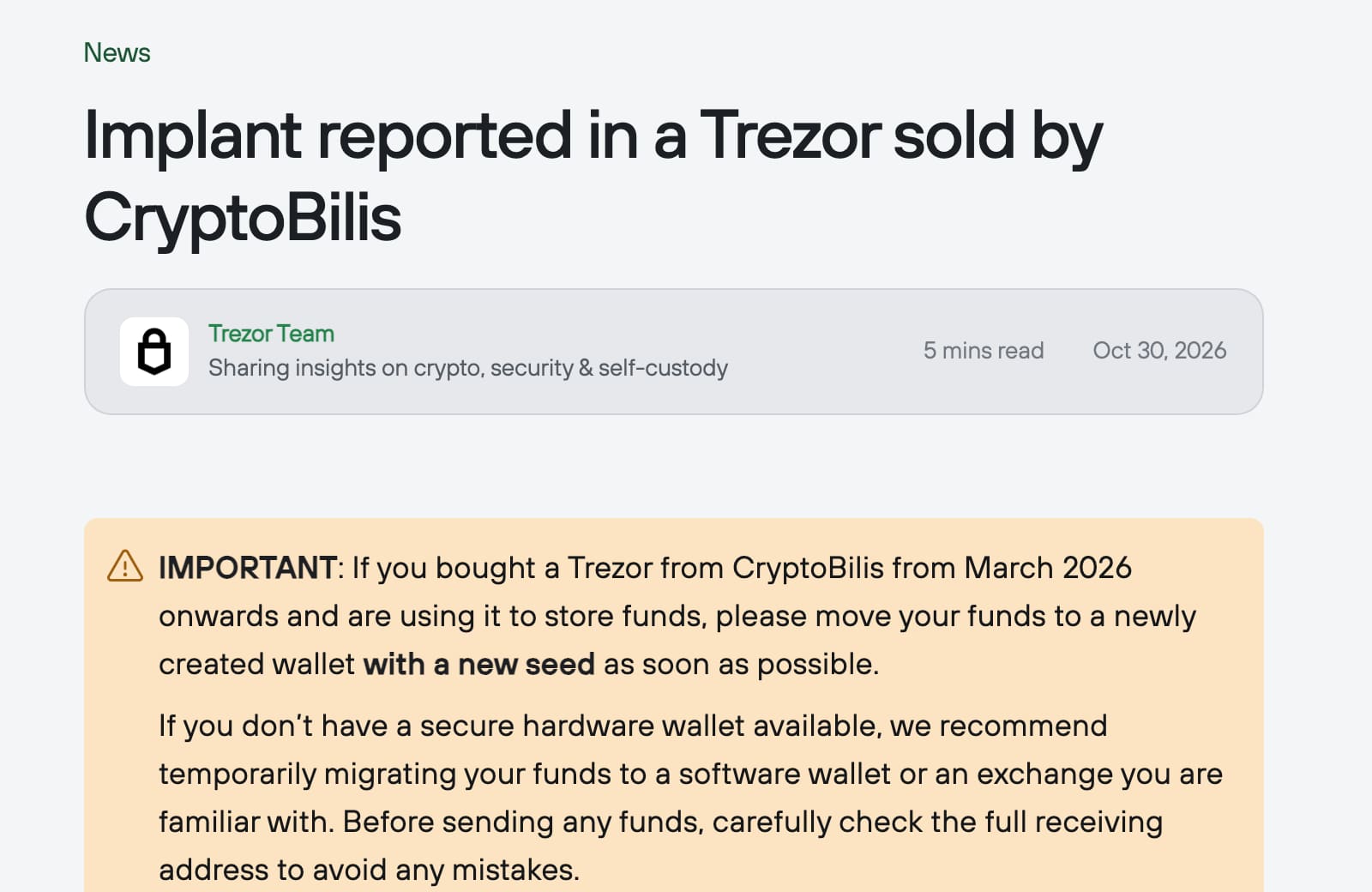
On 30 October a customer reported added hardware inside a Safe 5. Trezor has now examined the devices and says three contain an extra circuit board that copies what the screen shows, including recovery words, and sends it to the attacker. Firmware 2.13.1 (11 November) stops the implants found from capturing data, but cannot protect a phrase captured earlier. Trezor says no customer has reported losing funds.
What to do
- Check who supplied the wallet.Find the seller and purchase date on your receipt, including for a parent whose crypto you help manage. Ask Trezor Support if the source is unclear.
- Move funds promptly if the warning applies.Use a secure destination with a new recovery phrase. If no secure hardware wallet is available, Trezor recommends a software wallet or a familiar exchange temporarily. Check the full receiving address before sending.
- Do not set up an unused device.Leave a CryptoBilis device covered by the warning unused, and never enter an existing recovery phrase into it.
- Keep the device and arrange a replacement.Trezor offers every CryptoBilis buyer from March 2026 onward a new device (or, where shipping rules block that, a different model, delivery to another country or a refund). Weighing or opening it cannot reliably establish whether it is safe. Contact Trezor Support[7].
- Keep your recovery phrase private.Type trezor.io yourself to reach support. Never give the words to a caller or enter them into a link sent by email. Trezor says its support staff will never ask for them. Its scam guidance explains the warning signs.[8]
What happened
Trezor has confirmed hidden hardware inside three Safe 5 wallets bought from CryptoBilis, and still tells anyone who bought one of its wallets there from March 2026 onward to move their funds to a new wallet with a new recovery phrase. That holds even after the 11 November firmware fix. Its 30 October warning[1] began with a report of a suspected implant inside one Safe 5.
The full story4 more sections
Update, 13 November: three devices confirmed
Trezor's investigation post[2] says three Safe 5 wallets bought from CryptoBilis, through its Tokopedia and Shopee stores or directly, between 20 August and 23 September 2026 contain the implant. It says every other device it checked showed no sign of tampering, and no customer has reported losing funds.
The implant is an extra circuit board between the main board and the screen. Trezor says it only listens: it copies what the screen shows, including recovery words shown when a backup is made or typed during recovery, and passphrases shown on screen. It sends the encrypted data to a server the attacker controls and retries if there is no connection. It does not change the firmware or the Secure Element.
Firmware 2.13.1, released on 11 November, stops the implants Trezor found from capturing anything on devices that run it. It cannot protect a recovery phrase captured before the update, so Trezor still advises moving funds to a new wallet with a new seed. Trezor also says scammers may pose as Trezor offering replacements or refunds: deal only with trezor.io/support. BleepingComputer reports the same findings.[3]
What was first reported
The customer, in Indonesia, bought the device through Tokopedia in August and reported it on 28 October. According to the customer, added hardware could read the screen, including the recovery phrase, and transmit it over a mobile network. Trezor considered the report credible but had not yet examined the device. BleepingComputer reported the investigation.[4]
- HARD severity
- High
- Confirmed devices
- Three Trezor Safe 5 wallets
- Warning covers
- Every model bought from March 2026 onward through CryptoBilis or shops selling its stock
- Confirmed by Trezor?
- Yes, in its investigation post; firmware 2.13.1 released 11 November
Who is affected
The warning includes CryptoBilis’s Tokopedia shop and other stores selling devices it supplied. Trezor says it found no evidence of tampering in other devices it checked. It says no customer has reported losing funds, though it cannot see customers’ balances. The Hacker News details the scope.[5]
Why a new recovery phrase matters
A recovery phrase is the set of words used to restore a wallet. Someone who obtains it may be able to access the funds without having the original device. Trezor calls it a wallet backup.[6]
Restoring the old phrase on another device leaves the same wallet exposed. Trezor’s instruction is to transfer the funds to a newly created wallet with a fresh phrase. Its incident notice makes that distinction explicit.[1]
Timeline
-
HARD publishes its article, at High.
References8
- ^ Trezor (). “Implant reported in a Trezor sold by CryptoBilis”. Primary warning, purchase scope, investigation status, protective action and replacement offer.
- ^ Trezor (). “Our CryptoBilis investigation: what we found and what we’ve changed”. Three confirmed devices, purchase dates, what the implant captures, firmware 2.13.1 and the replacement offer.
- ^ BleepingComputer (). “Trezor confirms crypto-stealing implants in three wallets, releases fix”. Independent report of the same findings.
- ^ BleepingComputer (). “Trezor warns of suspected crypto-theft implant in hardware wallet”. Reports the customer’s purchase, alleged transmission capability and unconfirmed investigation.
- ^ The Hacker News (). “Trezor Warns of Suspected Hardware Implant in One of Its Wallets Sold by CryptoBilis”. Corroborates the reporting timeline, reseller scope and precautionary guidance.
- ^ Trezor. “How to use a wallet backup”. Explains recovery phrases, access to funds and why backups must remain private.
- ^ Trezor. “Support”. Official support destination linked from the incident notice.
- ^ Trezor. “Scams and phishing”. Supports independently reaching support and refusing requests for recovery phrases.
Situation Room articles are updated as events develop: updates are added to the timeline, and never edited away. Follow them by email or RSS.