

Your HARD account
You need a HARD account only for Family, HARD for Mac and asking a person. How to create one, and what your Secret Key and Emergency Kit are.
Everything that protects a device works without an account. You need one for Family, HARD for Mac and asking a person.
Create your account
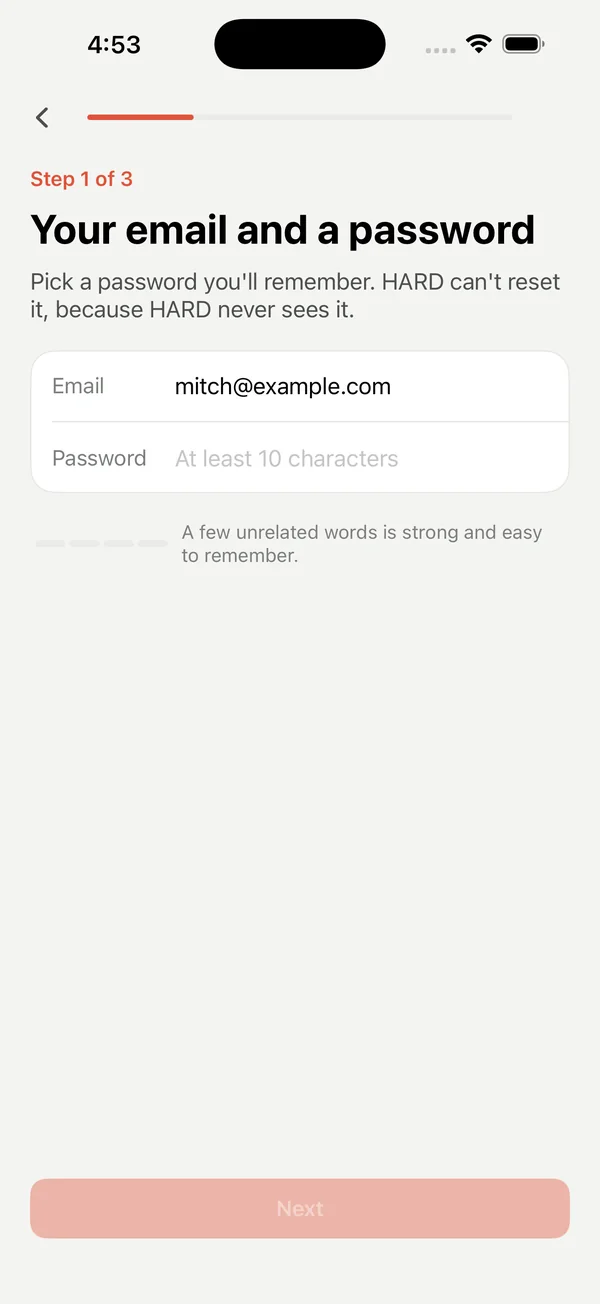
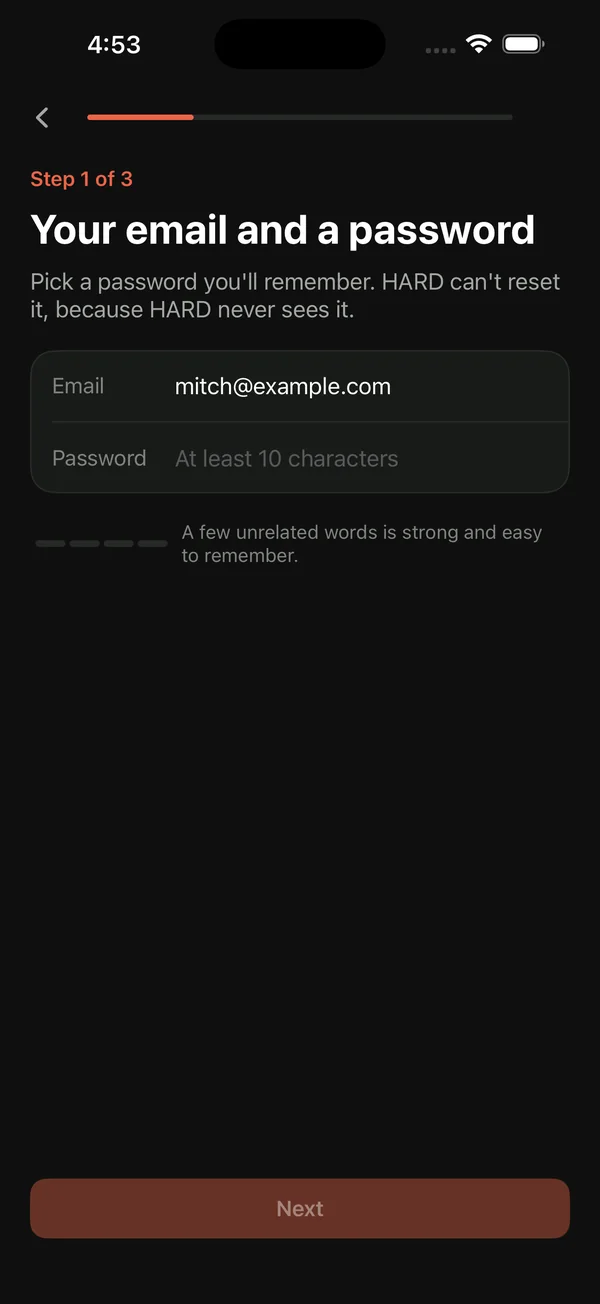
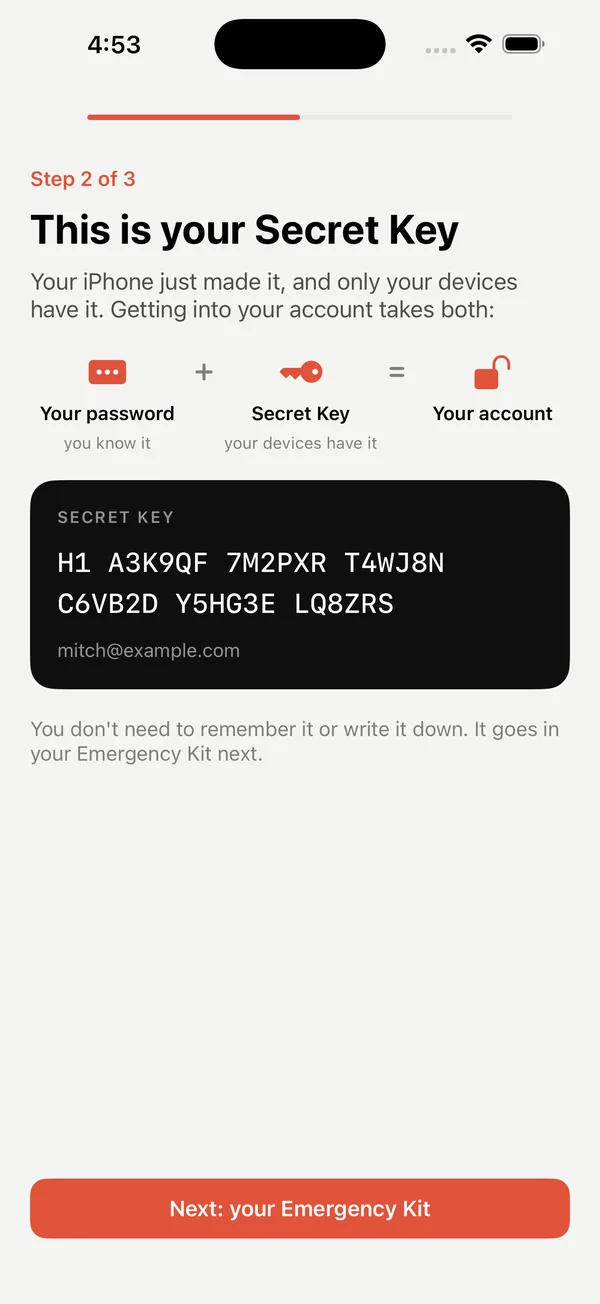
On iPhone, tap your coin at the top right of Home, then Create your HARD account. It takes three steps:
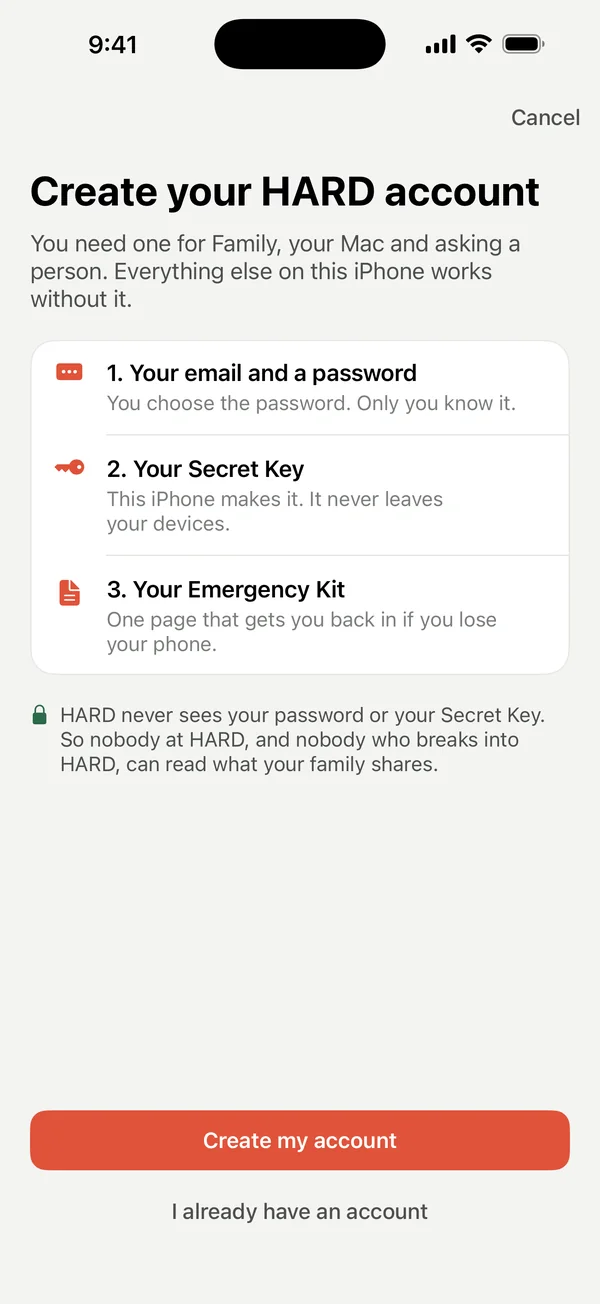
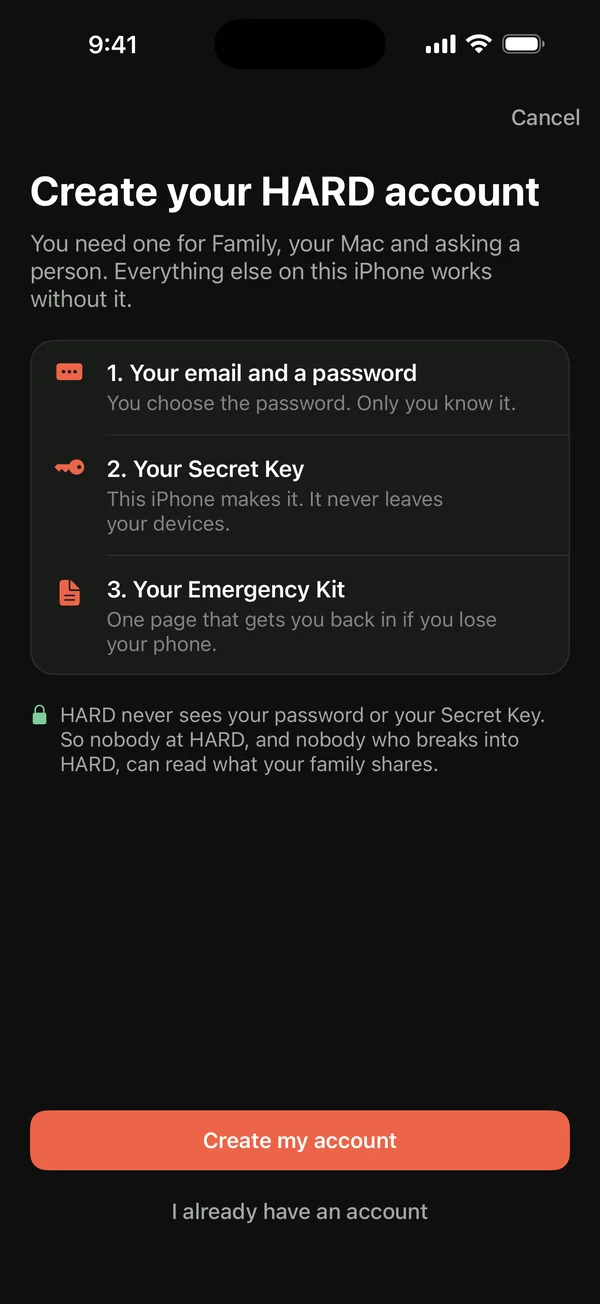
- Your email and a password.
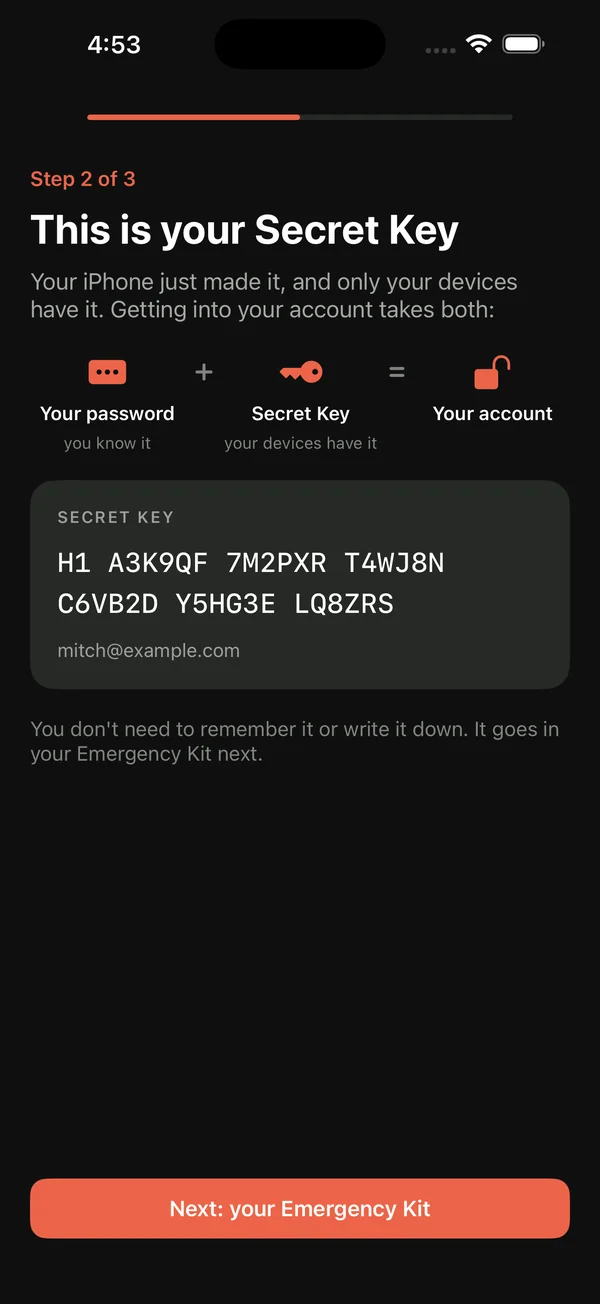
- Your Secret Key. Your iPhone makes it. Your password plus your Secret Key opens your account, and HARD never sees either of them.
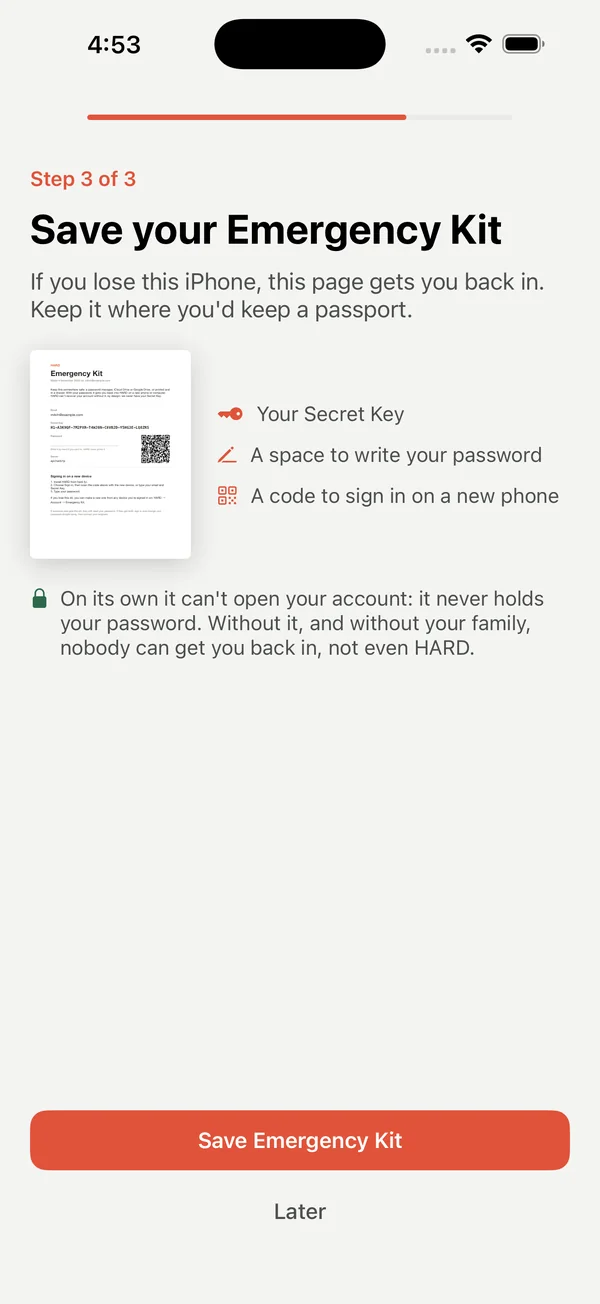
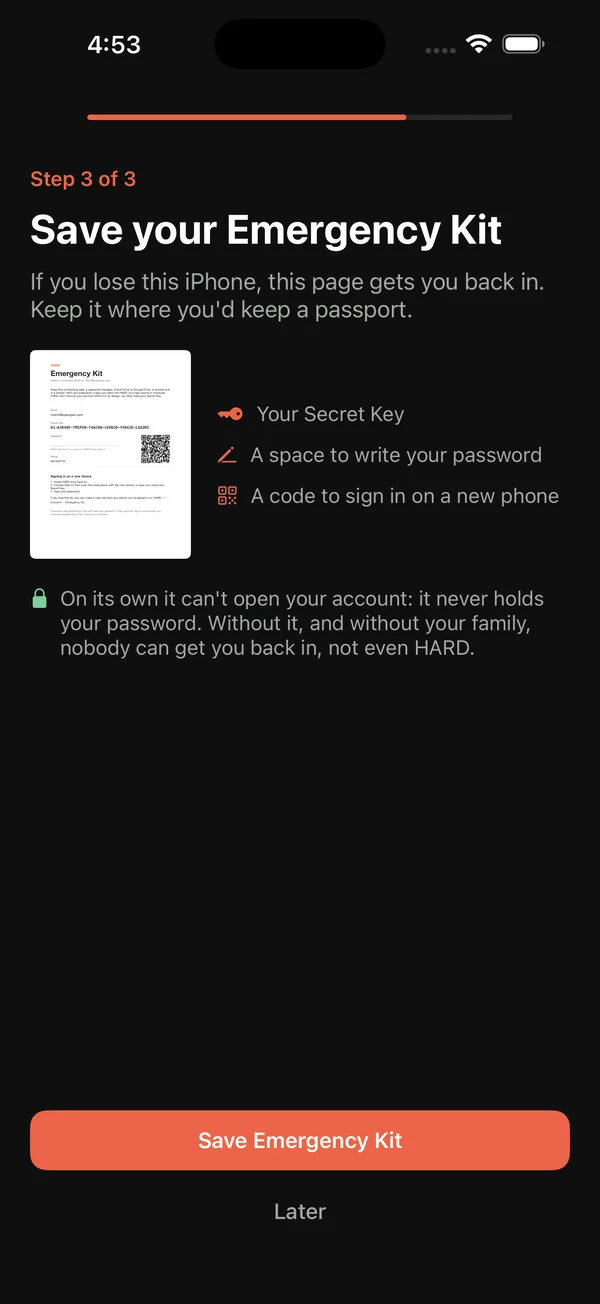
- Your Emergency Kit. A PDF with your Secret Key, a space to write your password, and a code to sign in on a new phone. Save it to Files or print it. On its own it can’t open your account, because it never holds your password.
Your account page
Your account is in Settings → Account. There you can:
- save your Emergency Kit again;
- get a code to sign in on another device;
- send yourself the link for HARD for Mac;
- see and remove your devices;
- sign out, or delete your account.
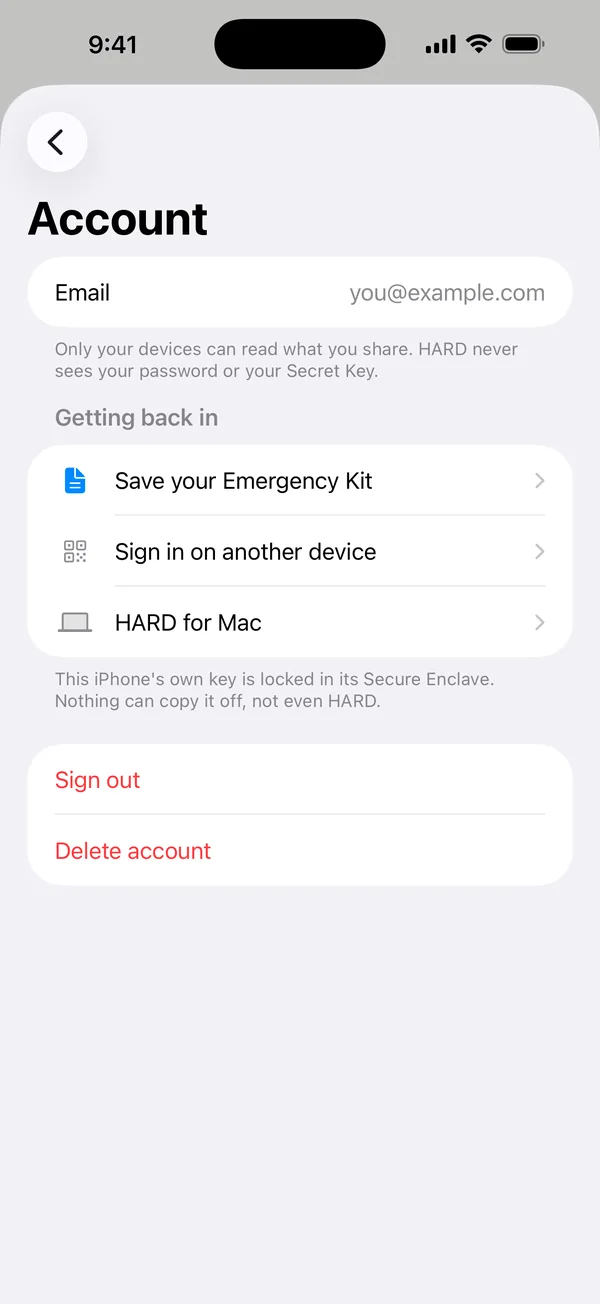
Your iPhone’s own key is locked in its Secure Enclave. Nothing can copy it off, not even HARD.
Questions
Do I need a HARD account?
Not to be protected. Is this legit?, the text filter, call blocking and HARD codes all work without one. You need an account for Family, HARD for Mac and asking a person.
What is the Emergency Kit?
A PDF with your Secret Key, a space to write your password, and a code to sign in on a new phone. Keep it somewhere safe, like Files or on paper. On its own it can’t open your account, because it never holds your password. Save it again any time from Settings → Account.
Still stuck? Write to support, and tell us what you’ve tried.