

Malware and downloads
How HARD finds malware on your Mac, how sure it is about each thing it finds, and how it checks every file you download before you open it.
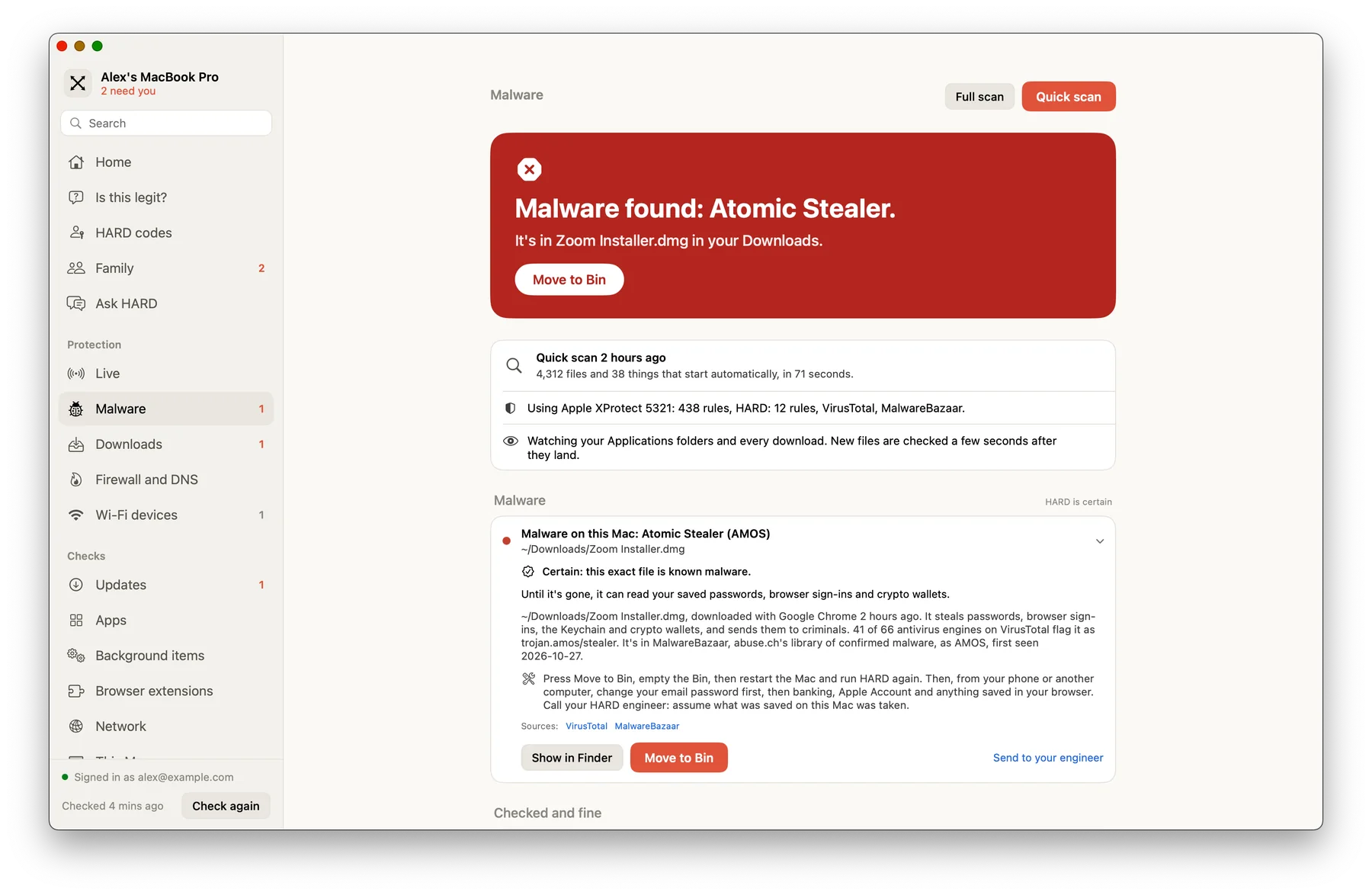
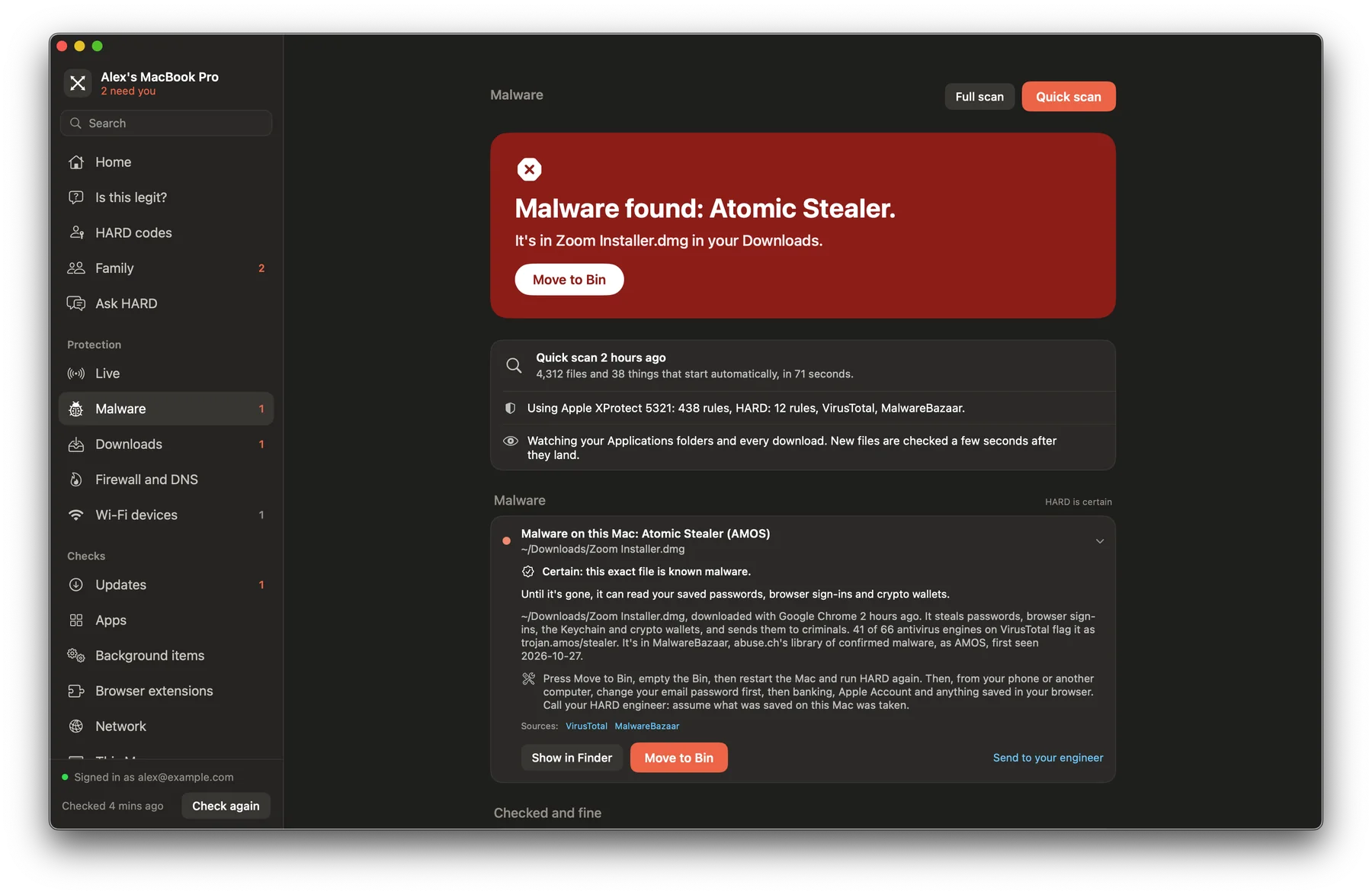
Malware checks your Mac for known malware and the tricks it uses to stay. A Quick scan takes a minute or two and looks at programs and everything set to start automatically. A Full scan looks further. Both stay on your Mac.
How it decides
- Signatures
- Apple’s own XProtect rules and HARD’s, run on your Mac.
- Known files
- A file’s fingerprint is looked up in MalwareBazaar and VirusTotal. Only the fingerprint leaves your Mac.
- Trust
- Code signatures, notarisation and revoked certificates, and Gatekeeper for downloaded apps you haven’t opened yet.
- Staying power
- Launch agents and daemons, login items, configuration profiles, shell startup files, and browser extensions from outside the stores.
Each finding says how sure HARD is. Certain means a signature written for that malware matched, or that exact file is known malware. Suspicious, not proven means something looks wrong but isn’t proof.
Nothing is deleted for you. Every finding has Show in Finder, and anything that can go has Move to Bin.
Downloads
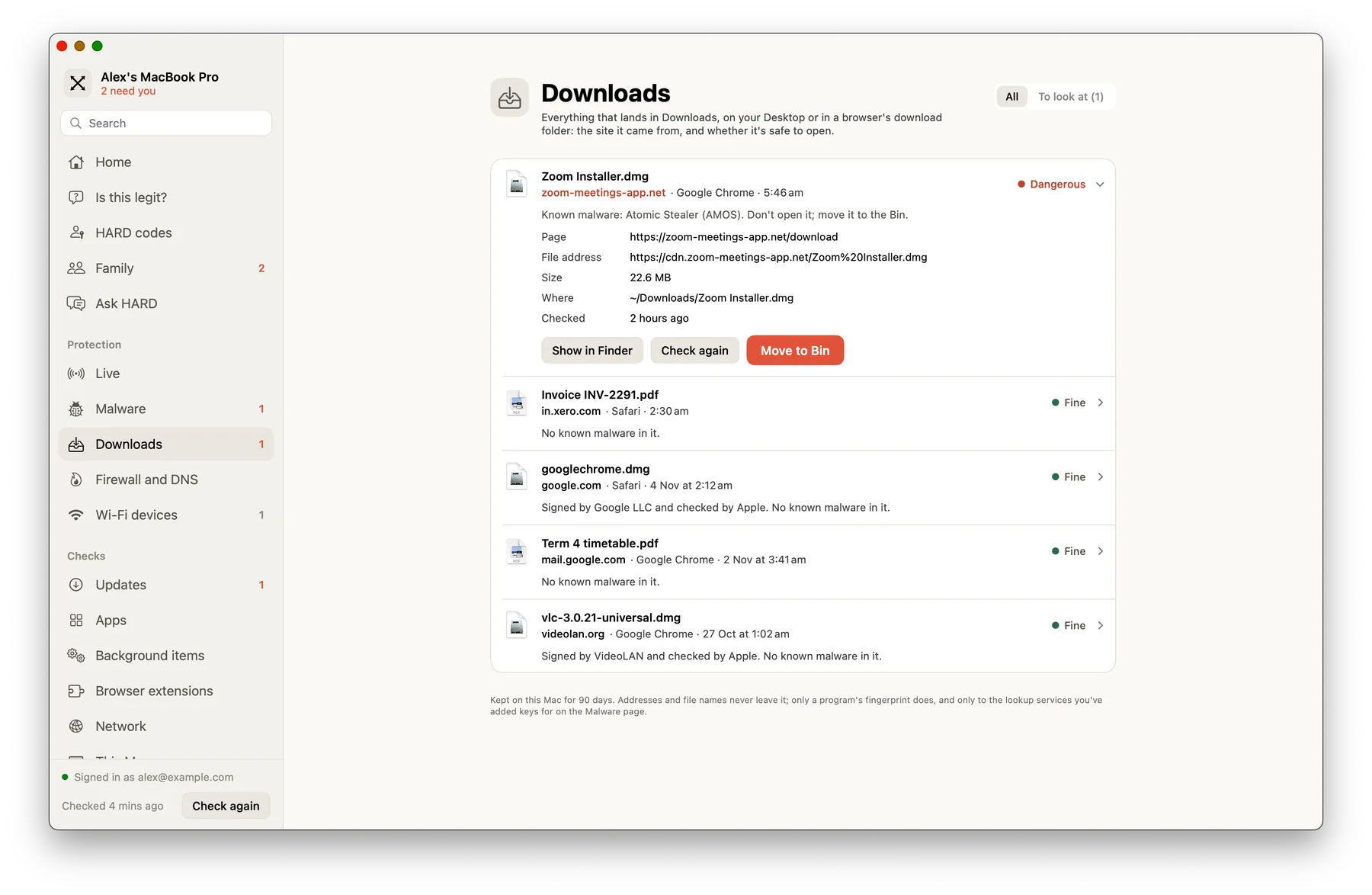
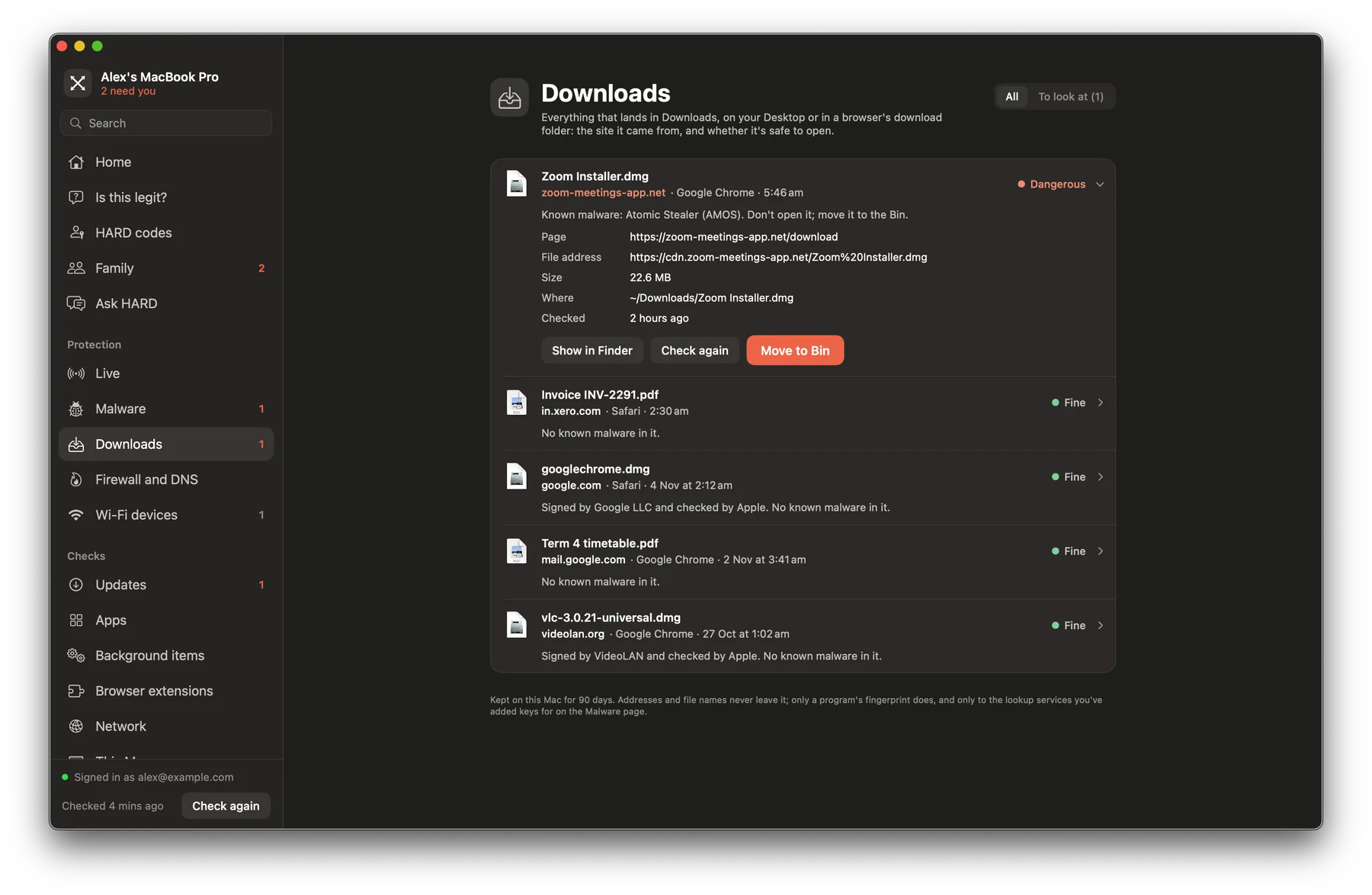
Downloads shows everything that lands in your Downloads folder, on your Desktop or in a browser’s download folder: the site it came from, and whether it’s safe to open. New files are checked a few seconds after they land.
The first time, macOS asks whether HARD may see your Downloads, Desktop and Documents folders. Choose Allow.
Questions
Does HARD delete anything by itself?
No. Every finding has Show in Finder, and anything that can be removed has Move to Bin. You choose.
Does HARD upload my files?
No. Only a file’s fingerprint (its SHA-256 hash) is looked up, never the file or its name. Signatures and code checks run on your Mac.
Still stuck? Write to support, and tell us what you’ve tried.