

Delete your HARD account
How to delete your HARD account on iPhone or Mac. Everything on HARD’s server is deleted seven days later, unless you choose to keep your account.
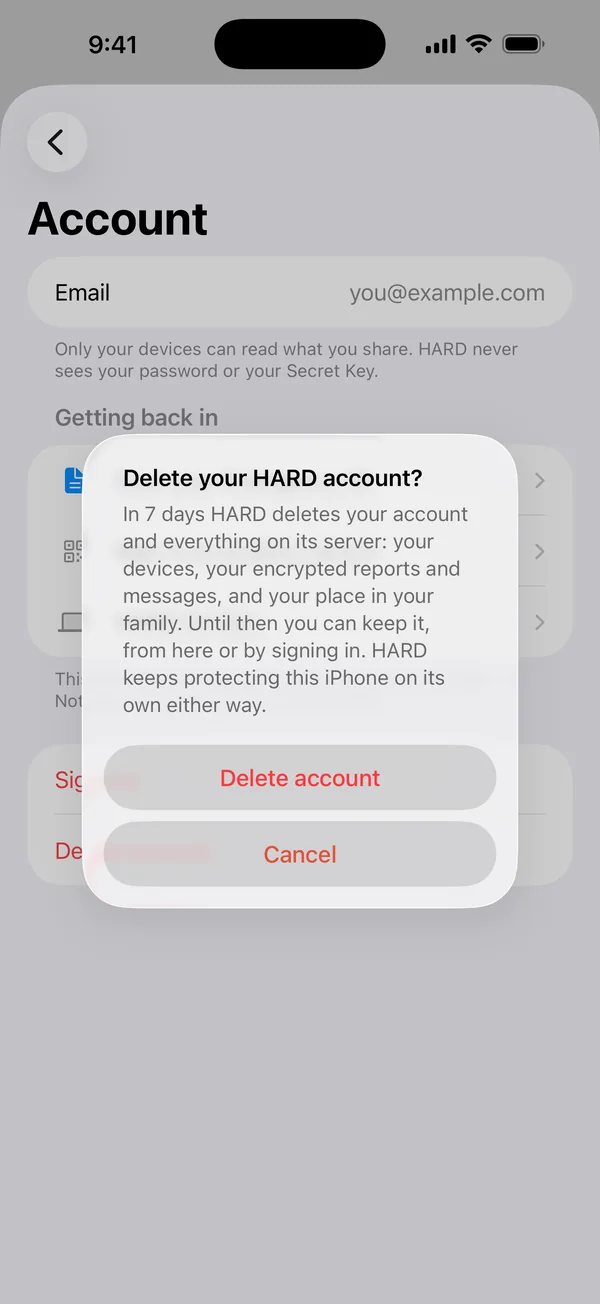
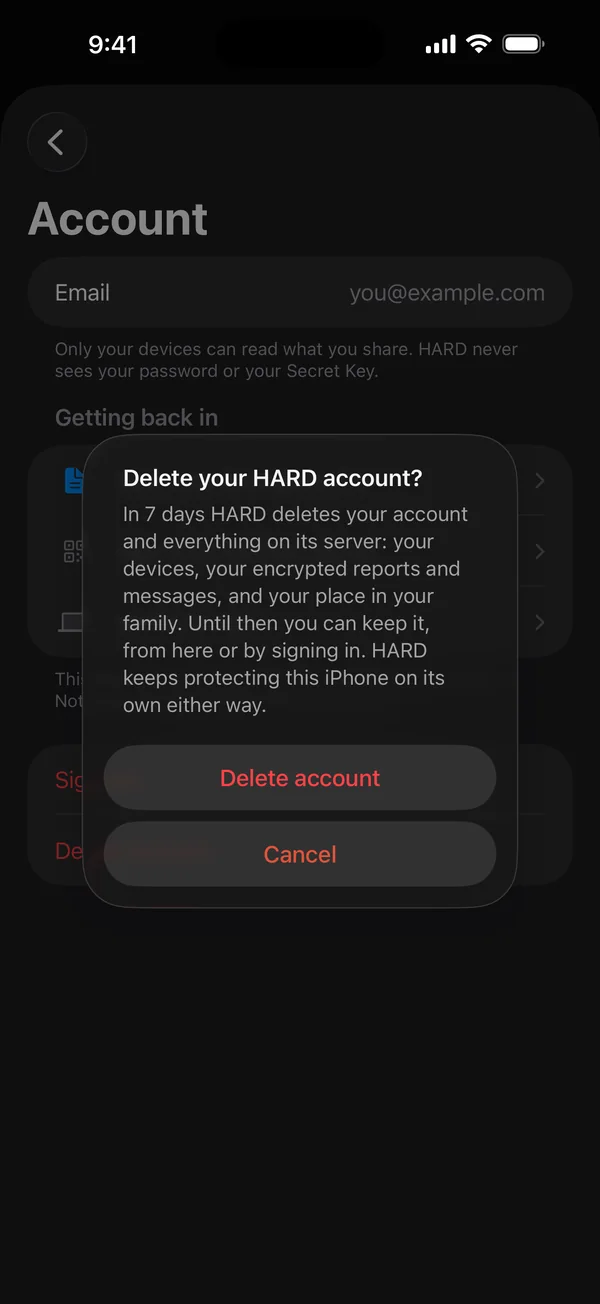
- Go to Settings → Account and tap Delete account. On the Mac, it’s in Account.
- Tap Delete account again to confirm.
What happens next
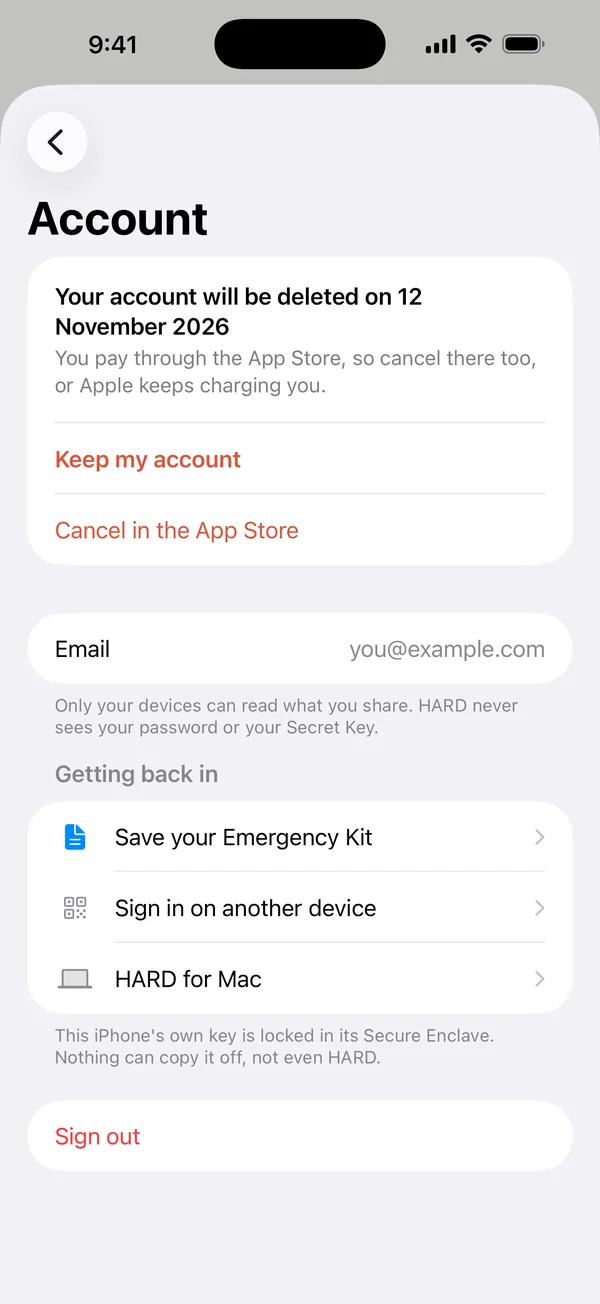
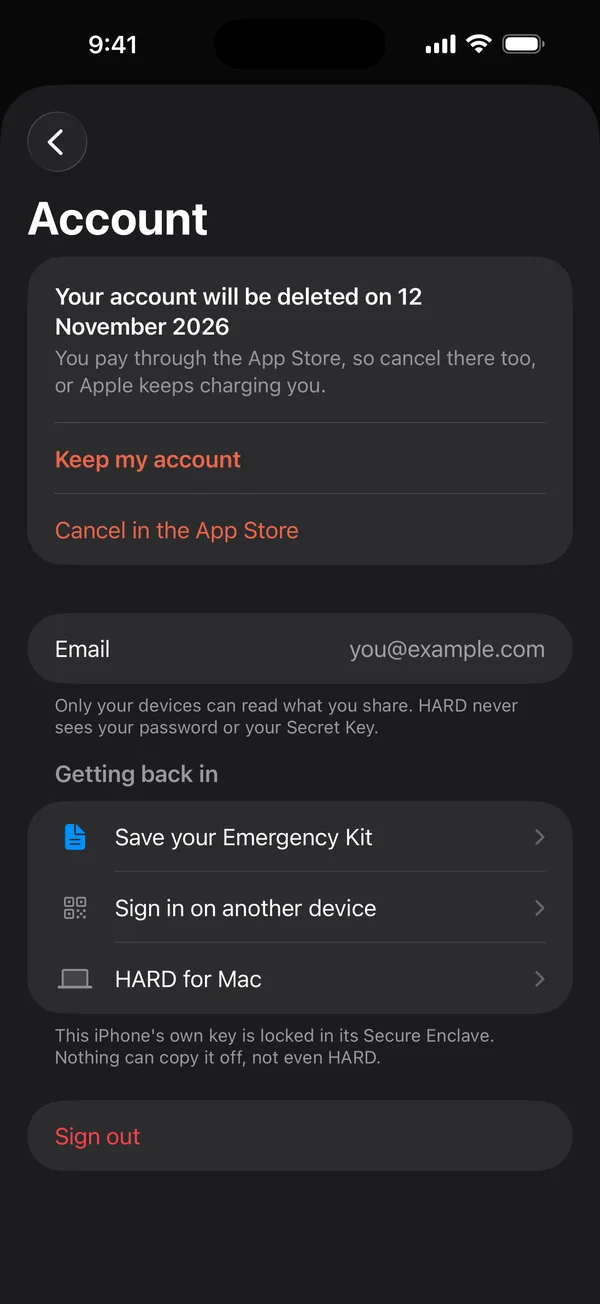
Seven days later, HARD deletes your account and everything on its server: your devices, your encrypted reports and messages, and your place in your family. Until then, tap Keep my account in the same place, or just sign in again, and nothing is deleted. HARD keeps protecting your devices on their own either way.
If you pay through the App Store
Cancel there too, or Apple keeps charging you. Cancel in the App Store takes you to that screen.
Questions
How do I delete my HARD account?
Go to Settings → Account → Delete account and confirm. Seven days later, everything on HARD’s server is deleted. Until then, tap Keep my account or sign in again to keep it. If you pay through the App Store, cancel there too.
Still stuck? Write to support, and tell us what you’ve tried.