

Install HARD for Mac
Download HARD for Mac, move it to Applications and allow notifications. Its first check of your Mac starts straight away, and where it keeps things.
- Download HARD for Mac. It needs macOS 14 or later.
- Open the download and drag HARD into Applications, then open it from there. Apple has checked it, so it opens without a warning.
- Allow notifications when macOS asks, so HARD can tell you when something needs you.
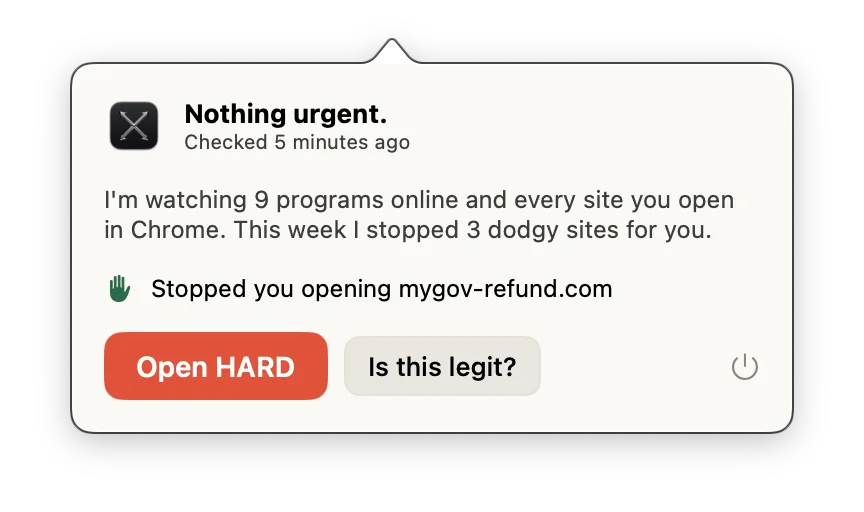
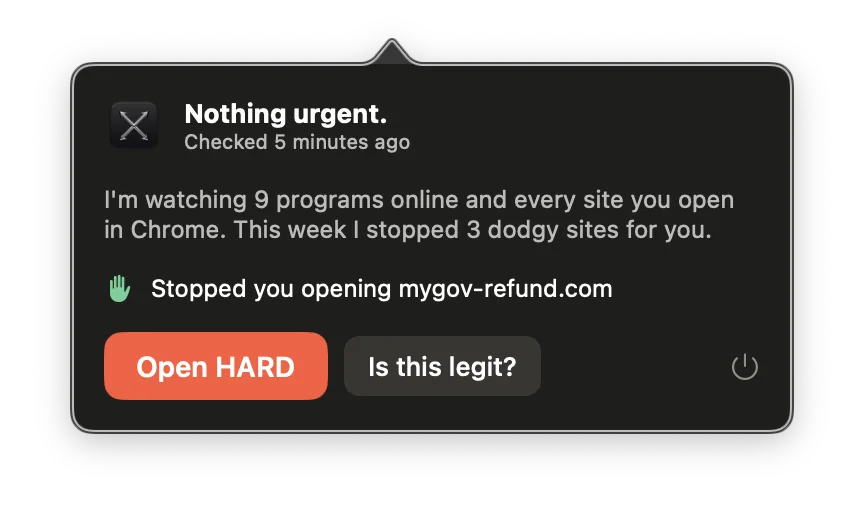
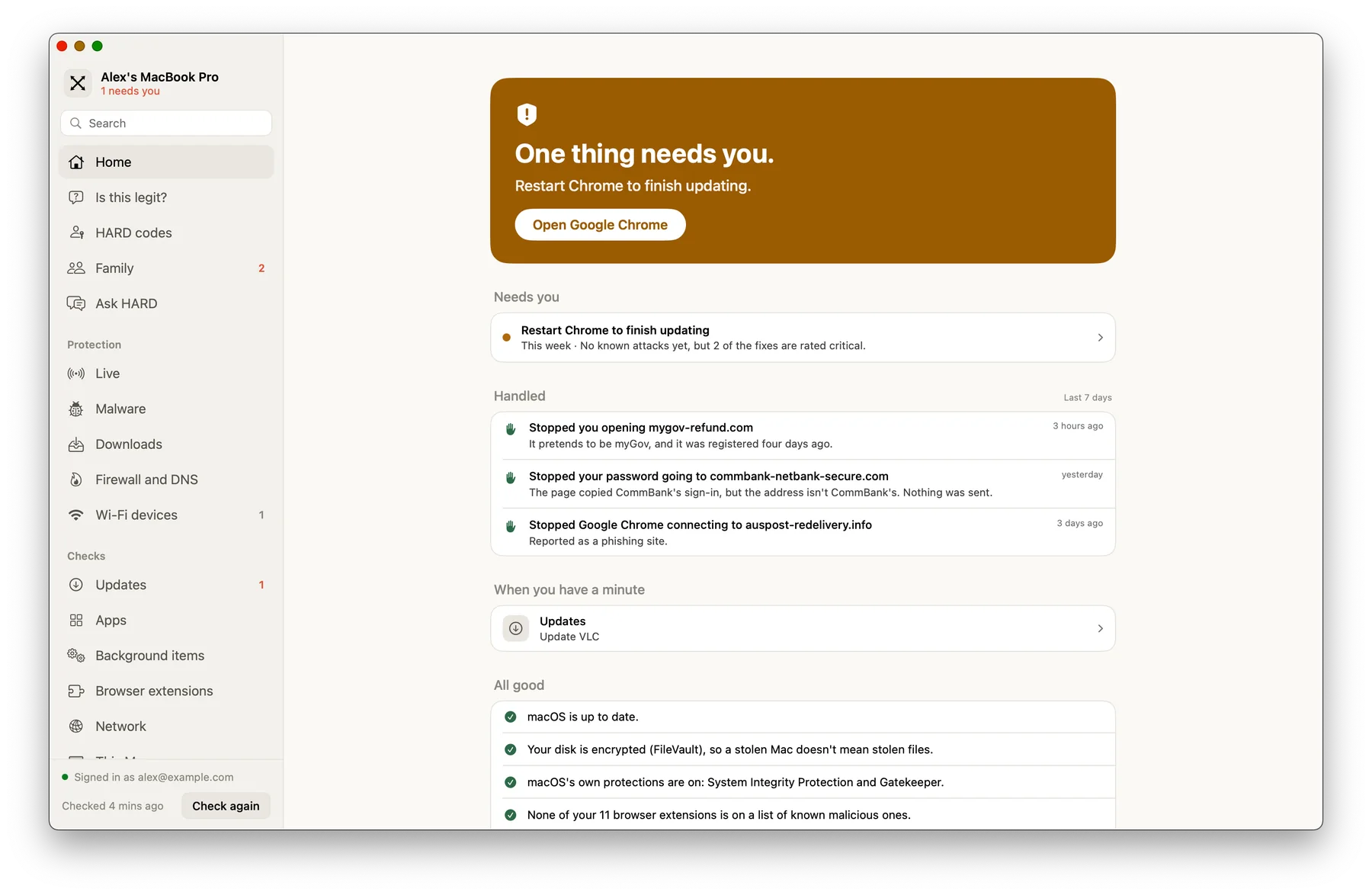
- HARD sits in your menu bar and opens a window with everything it watches. Its first check of your Mac starts straight away.

Where HARD keeps things
HARD keeps everything it learns about your Mac in ~/Library/Application Support/HARD/. The first time it opens, it also registers itself with Chrome, Brave and other Chromium browsers, so the extension can report to it.
Next
- Turn on the firewall, so HARD sees every connection.
- Turn on Secure DNS, so the Wi-Fi you’re on can’t send you to a fake site.
Still stuck? Write to support, and tell us what you’ve tried.