

Updates and what changed
Where HARD for iPhone shows the version you have, when a newer one is out on the App Store, and what changed in each version, with no popups.
The bottom of Settings shows the version you have. When a newer one is on the App Store, it says so, with an Update button.
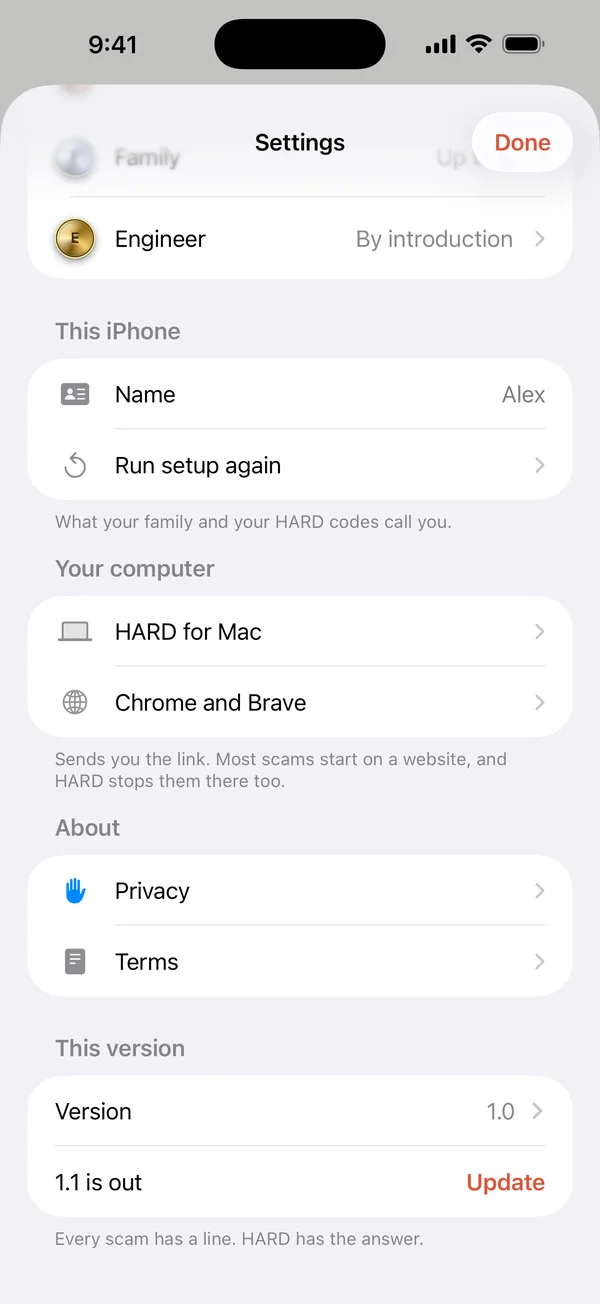
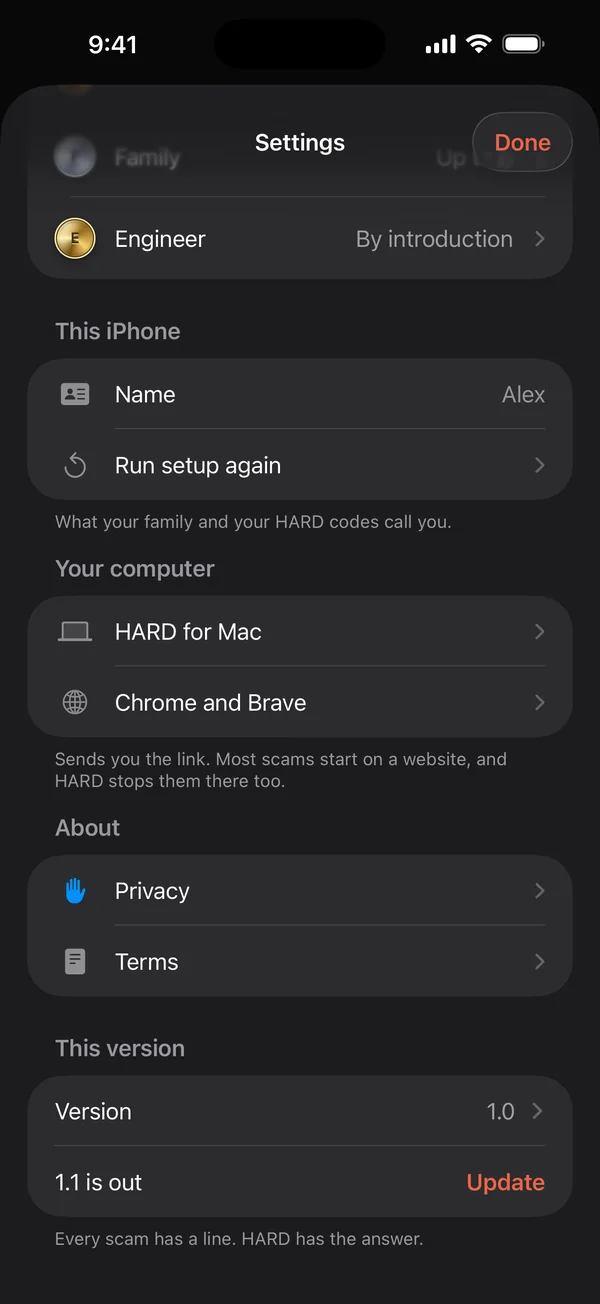
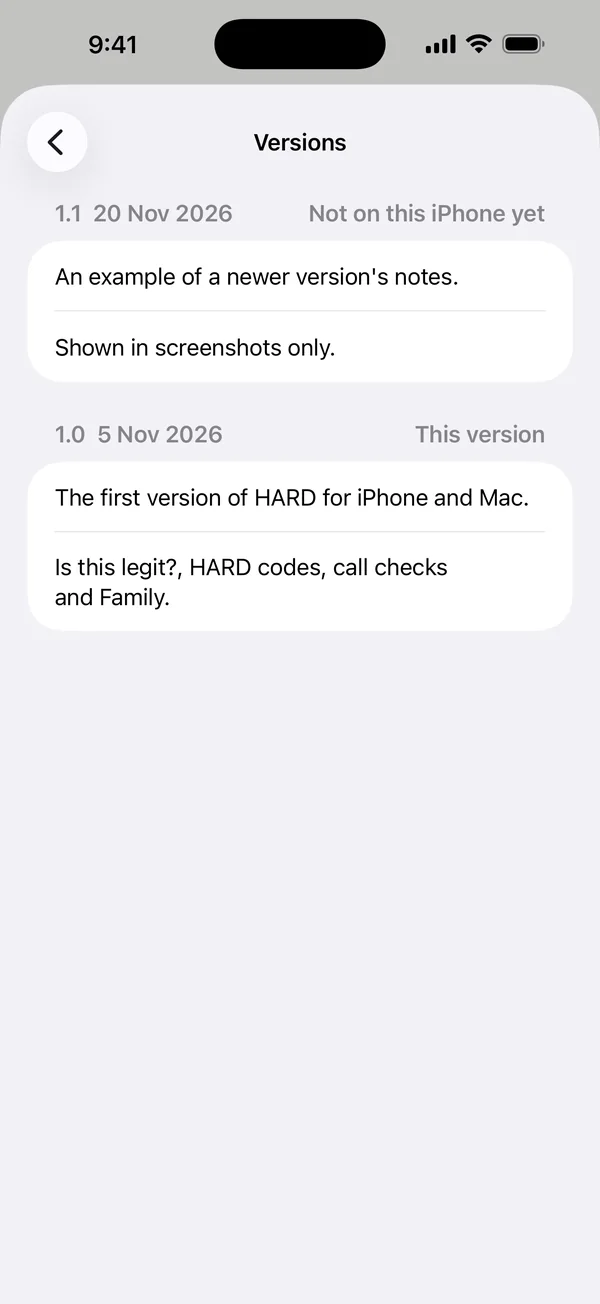
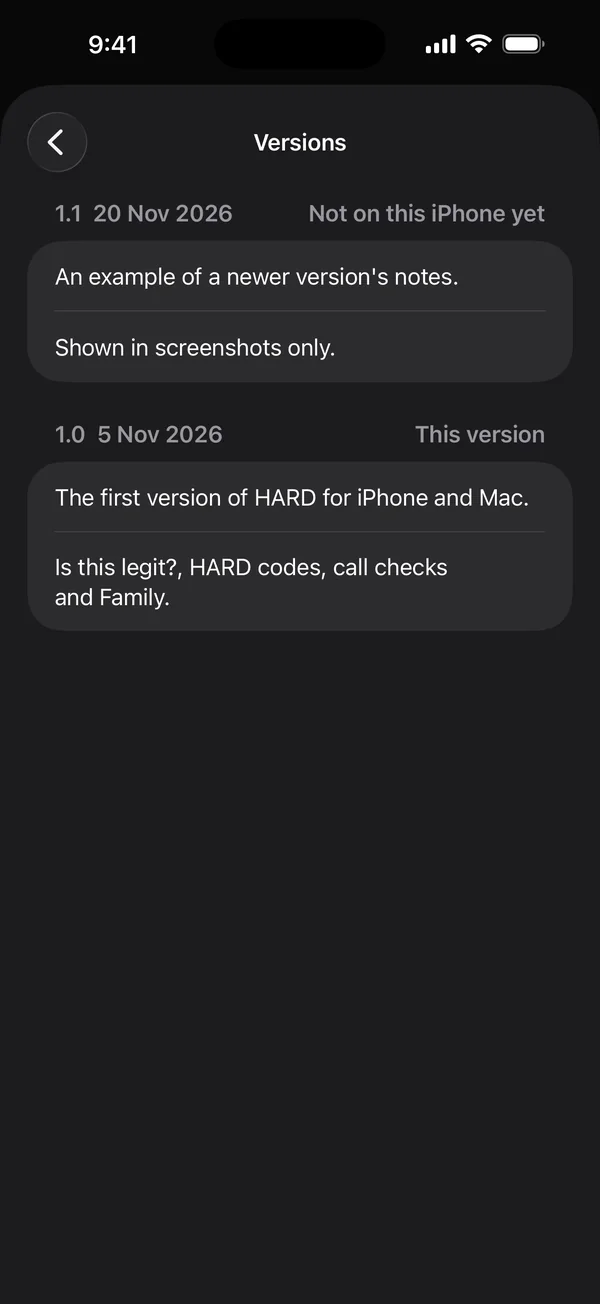
Tap Version to see what changed in each version, including ones not on your iPhone yet. HARD never shows a popup about updates.
Every version
Every version of HARD for iPhone lists each build with its number, date and what changed. To check yours, compare the version at the bottom of Settings with it. The TestFlight app shows the build number too.
Questions
Is my iPhone app up to date?
Look at the bottom of Settings. It shows your version and, when a newer one is out, an Update button. Tap Version to see what changed.
Still stuck? Write to support, and tell us what you’ve tried.