

Is this legit?
Check a text, email, link or the call you’re on with HARD on Mac or iPhone: what it looks for, what it tells you, and the optional second opinion.
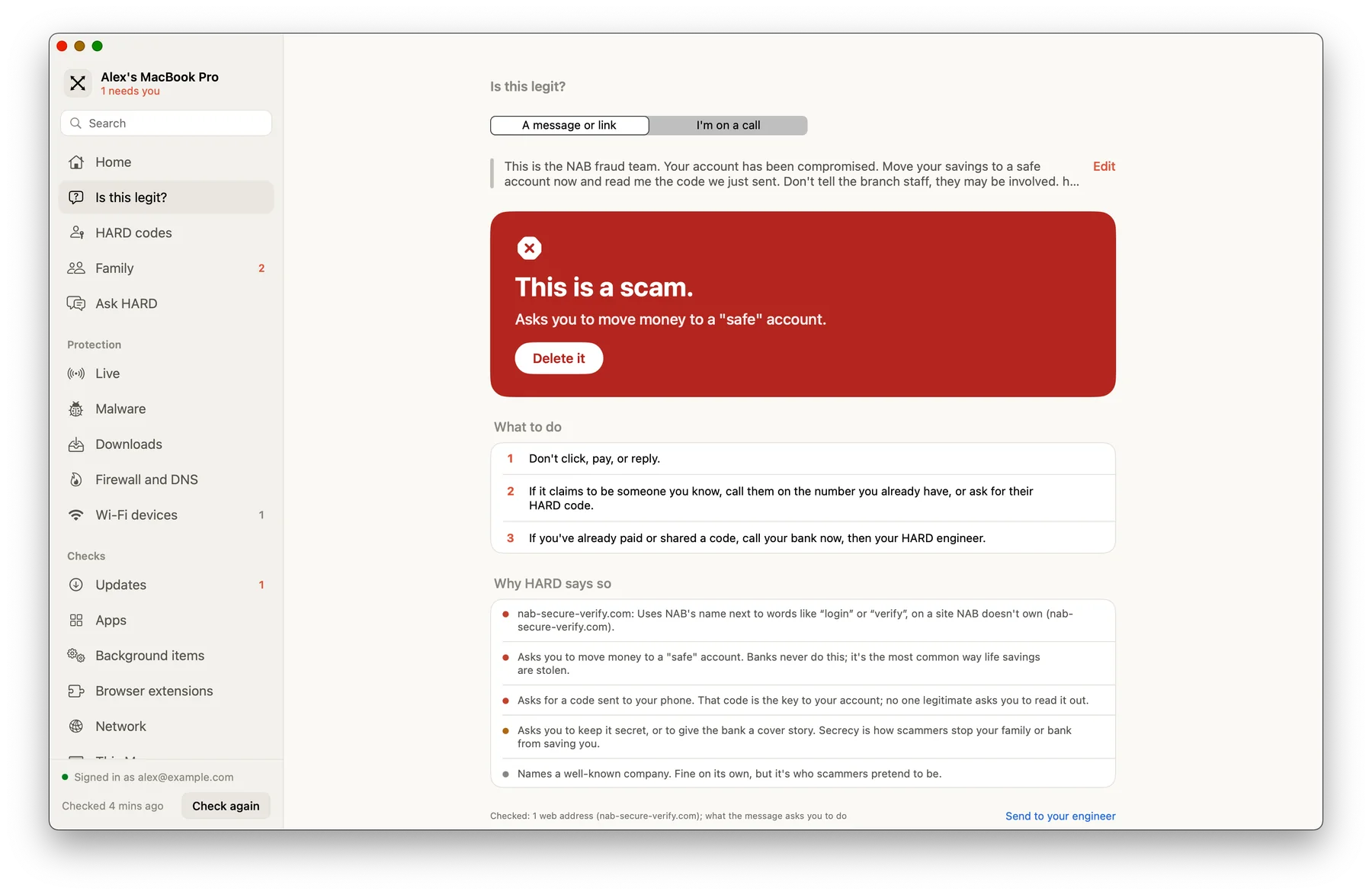
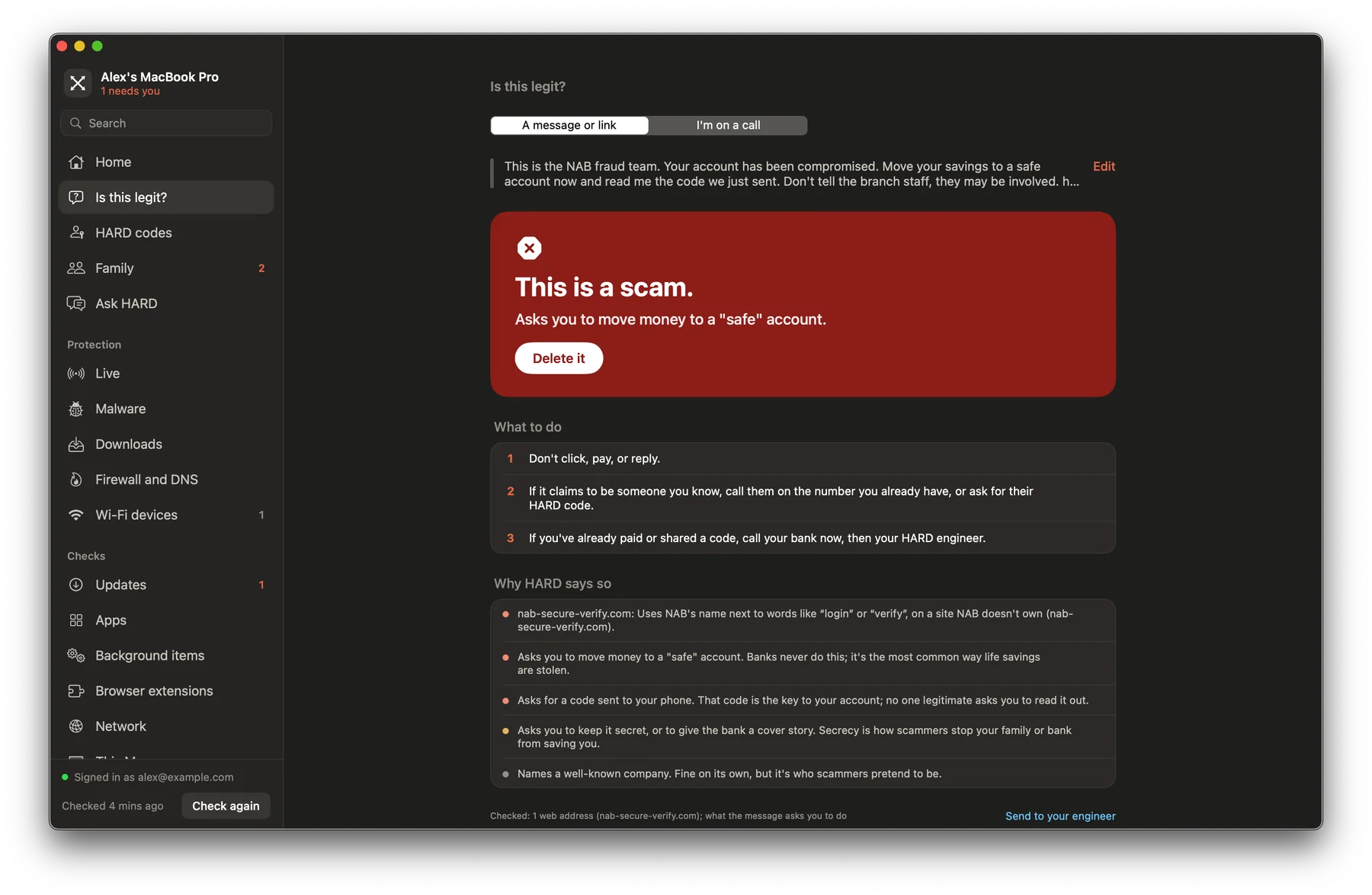
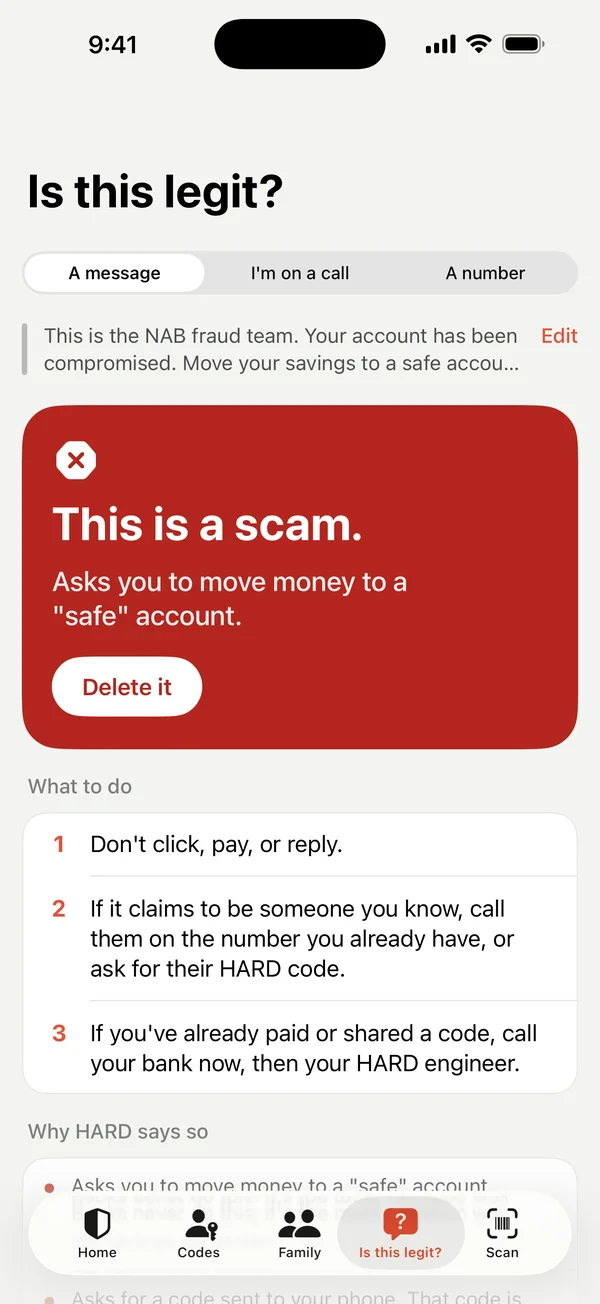
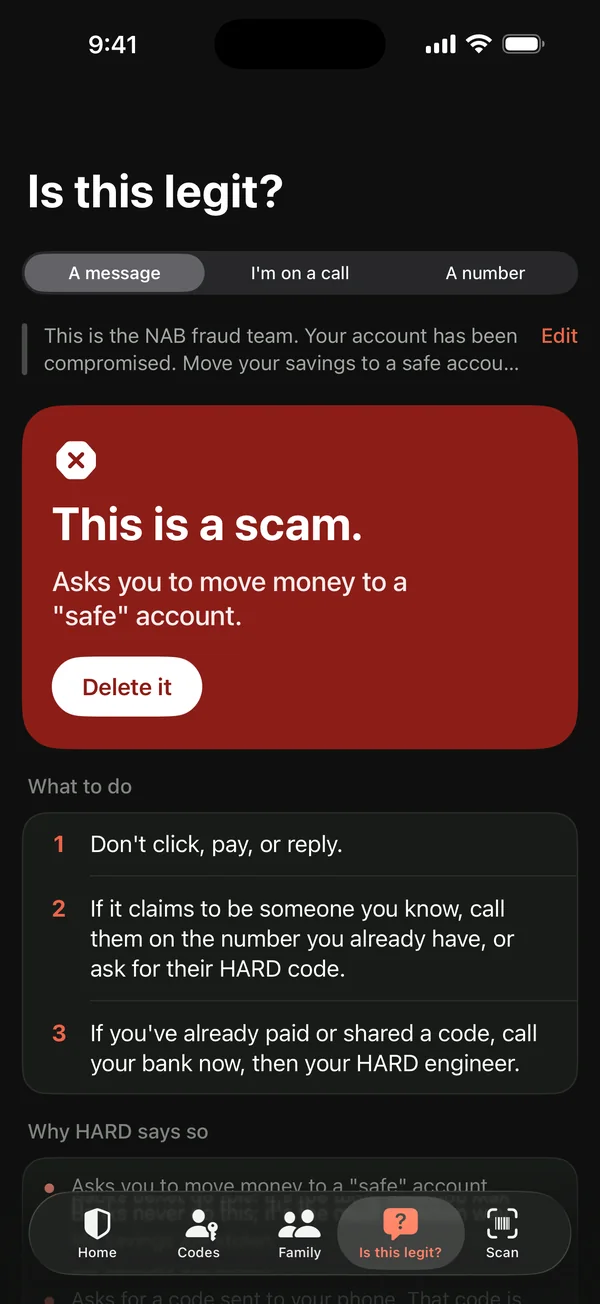
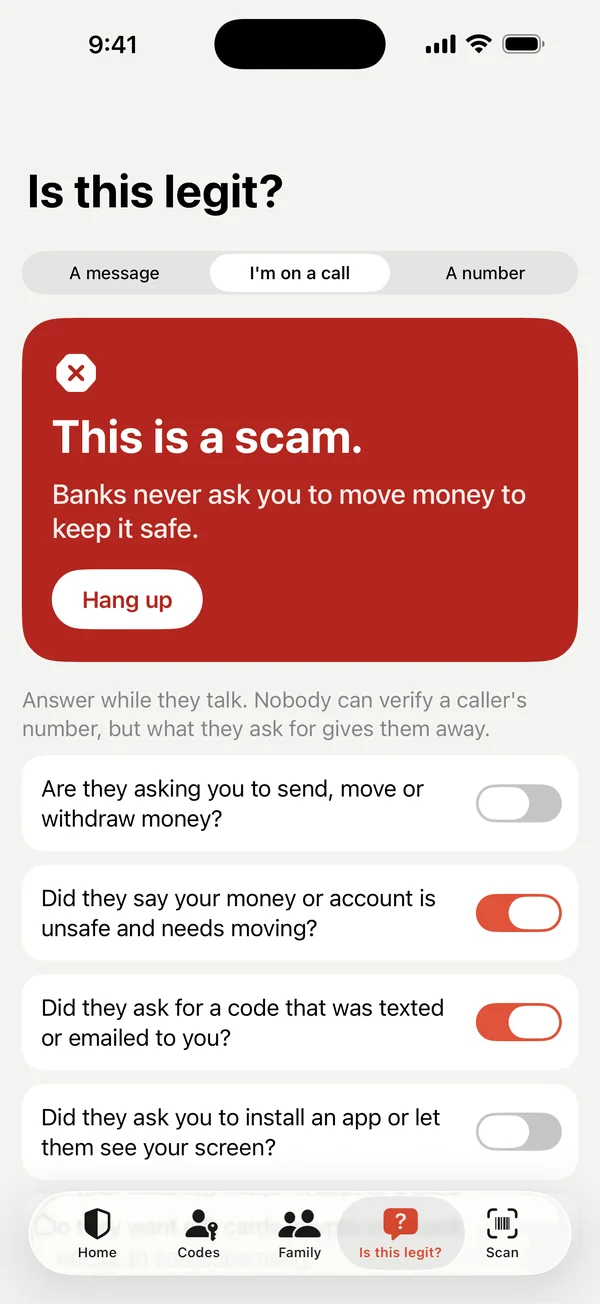
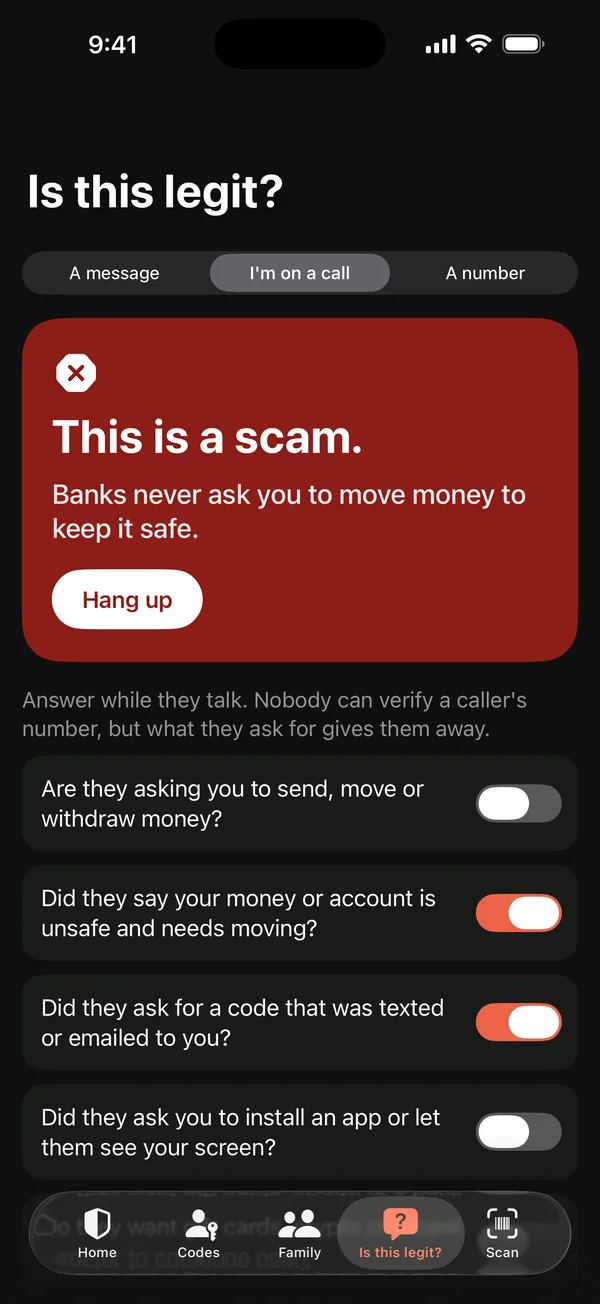
Paste a text, email or link into Is this legit? on the Mac or iPhone, or choose I’m on a call and answer yes-or-no questions about the call you’re on. HARD gives a verdict, its reasons and what to do. On the Mac, you can also select text in any app and choose Services → Check with HARD.
What it checks
HARD checks every link and sender domain: lookalikes of known brands, reported phishing, and how recently the domain was registered (it asks the public registry, rdap.org, for the date). It also looks for the tricks scams use: urgency, secrecy, “safe accounts”, gift cards and codes.
A second opinion
On the Mac, Also ask Claude for a second opinion sends the text to Anthropic for a short second view. It’s off unless you tick it. HARD’s own checks run on your Mac either way.
Questions
Can I check a message from any app?
Yes, on the Mac. Select the text, then choose Services → Check with HARD from the app’s menu, or paste it into Is this legit? in HARD.
Still stuck? Write to support, and tell us what you’ve tried.